You can transcribe a 30 minute audio in just 30 seconds using Whisper JAX. Whisper is an open source library from OpenAI that can transcribe speech to text. It is one of the most popular options with a permissive license for speech recognition.
JAX is an open source Python library developed by Google for high performance numerical computing, machine learning, and deep learning. It provides an easy to use interface for writing numerical programs and runs well on accelerators like GPUs and TPUs. TPU stands for tensor processing unit.
JAX is built on top of NumPy and adds features such as automatic differentiation to calculate gradients for optimization problems.
Because of this, JAX is quite fast compared to PyTorch or many other deep learning libraries. JAX also supports XLA, an accelerated linear algebra compiler, which speeds up matrix multiplications and other linear algebra operations on GPU and TPU.
For subtitle and caption tasks built on Whisper, check out this practical subtitle and caption workflow.
What Whisper JAX Transcription does
Whisper JAX combines Whisper with JAX. While Whisper was primarily created in Python to run on CPU and GPU, Whisper JAX ports the project to JAX so it can run on a cloud TPU.
That is how you can get the 30 minutes in 30 seconds result. I tested it myself on a long-form podcast and the speed was shocking.
My Whisper JAX Transcription test
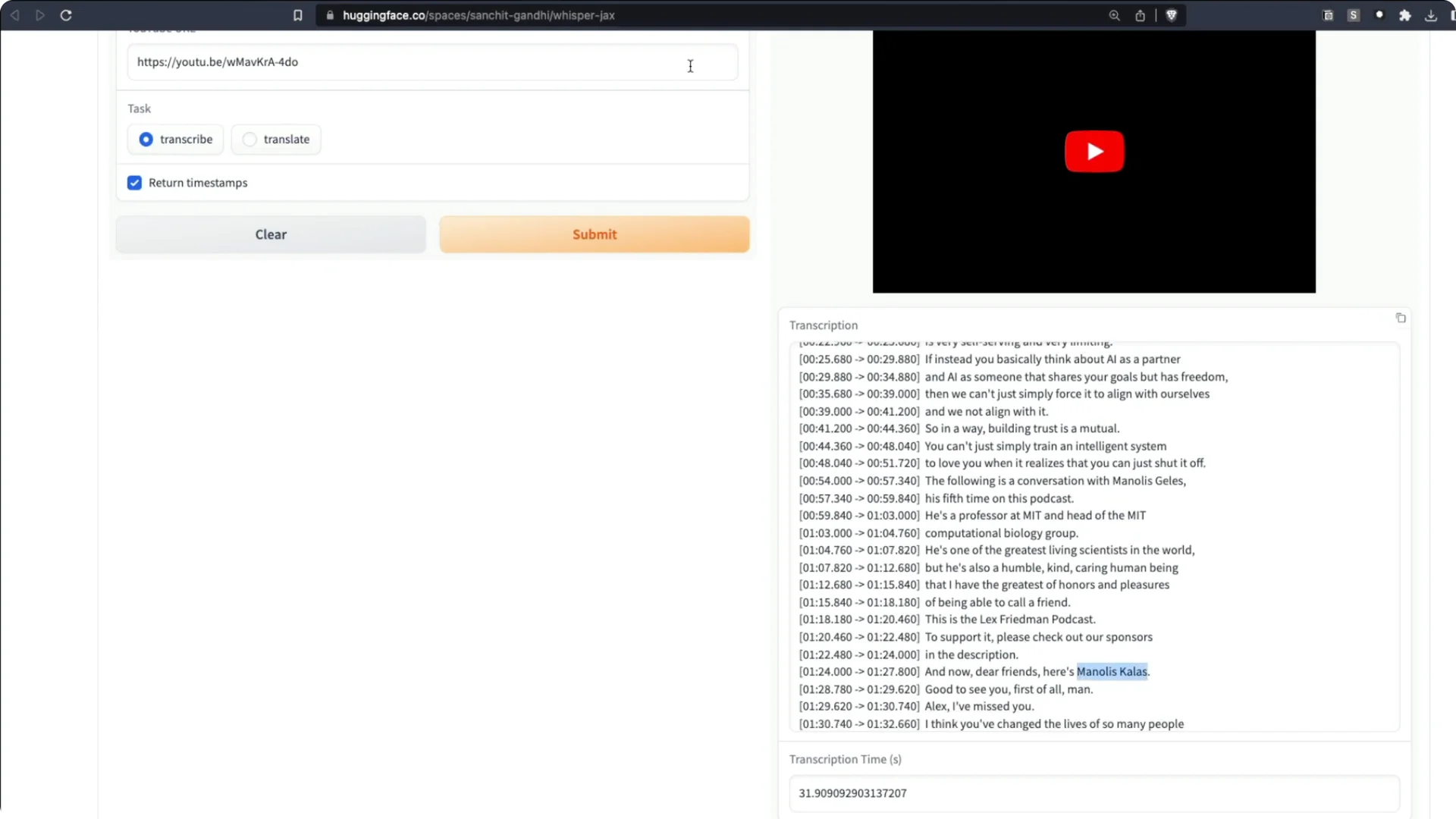
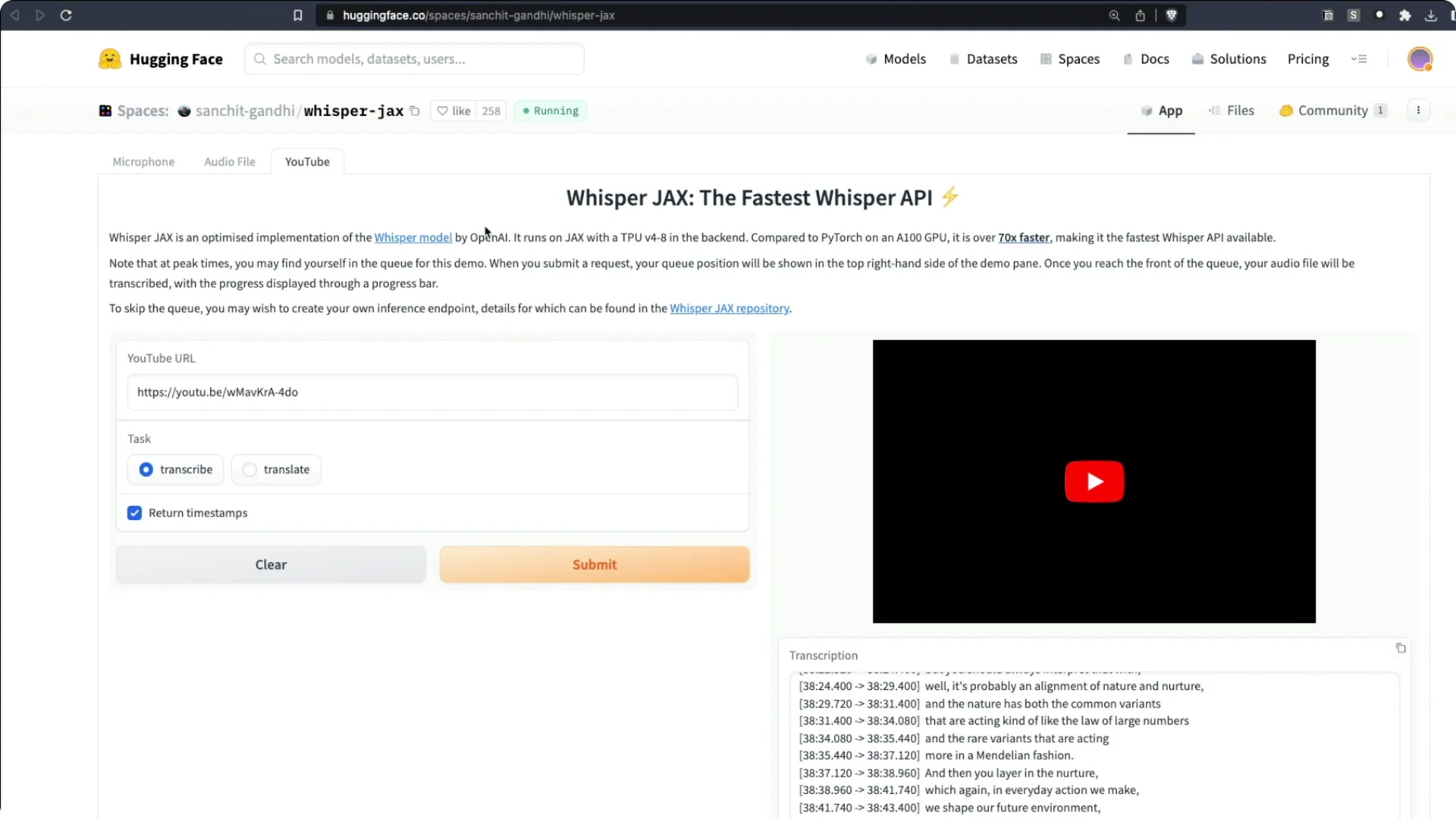
I took a recent Lex Fridman podcast with Manolis Kellis on the evolution of human civilization and superintelligent AI. The podcast is about 2 hours 30 minutes. I sent it to the Whisper JAX Space on Hugging Face and asked it to transcribe.
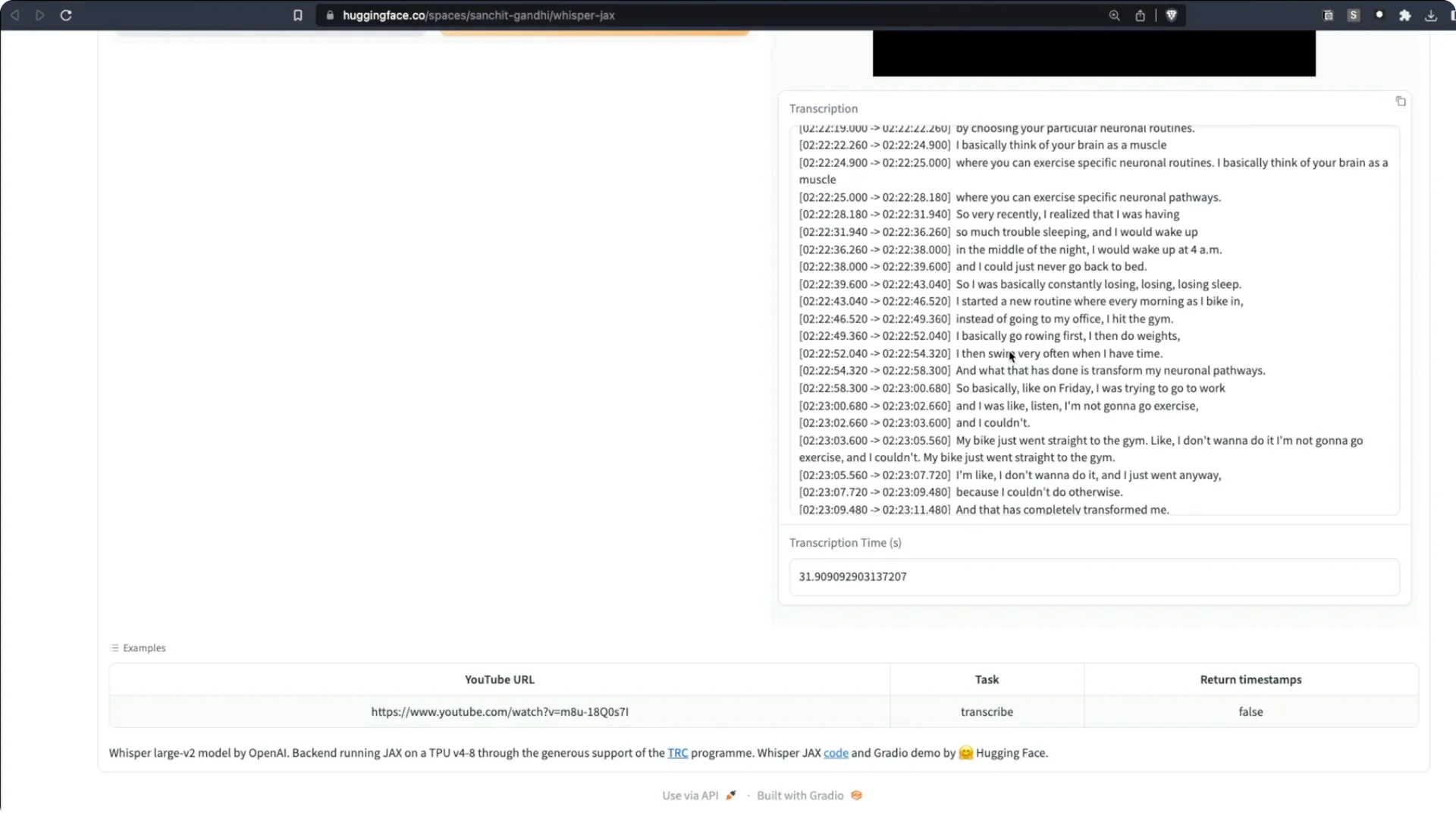
It took about 31 seconds. I transcribed two and a half hours of audio in just 31 seconds.
It did not get every name perfect, but it did a tremendous job overall.
If your focus is long-form shows, see this guide on podcast transcription and time savings.
Where to run Whisper JAX Transcription
You can access Whisper JAX on Hugging Face Spaces.
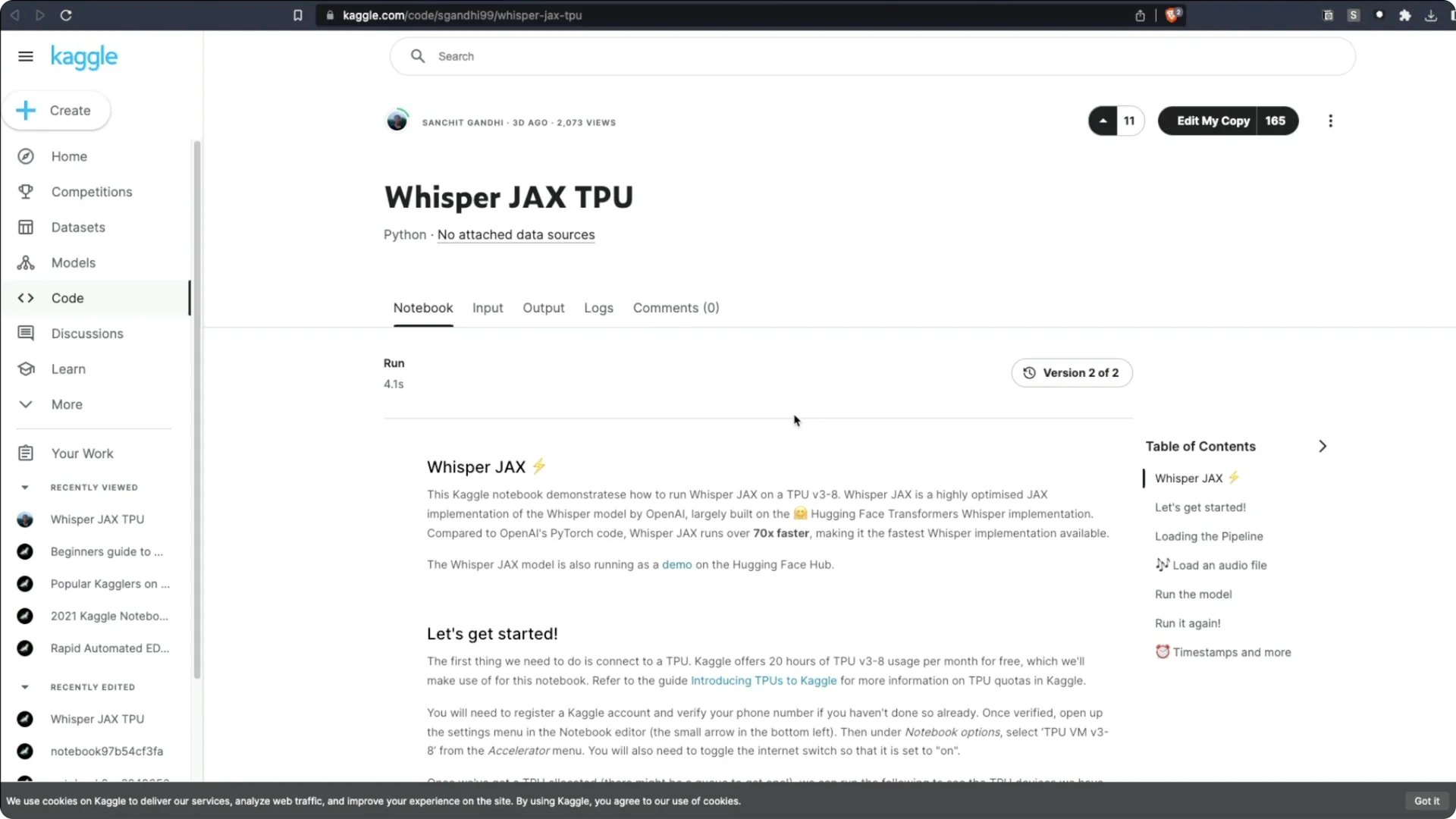
You can also open the official notebook in Kaggle and run it on TPU.
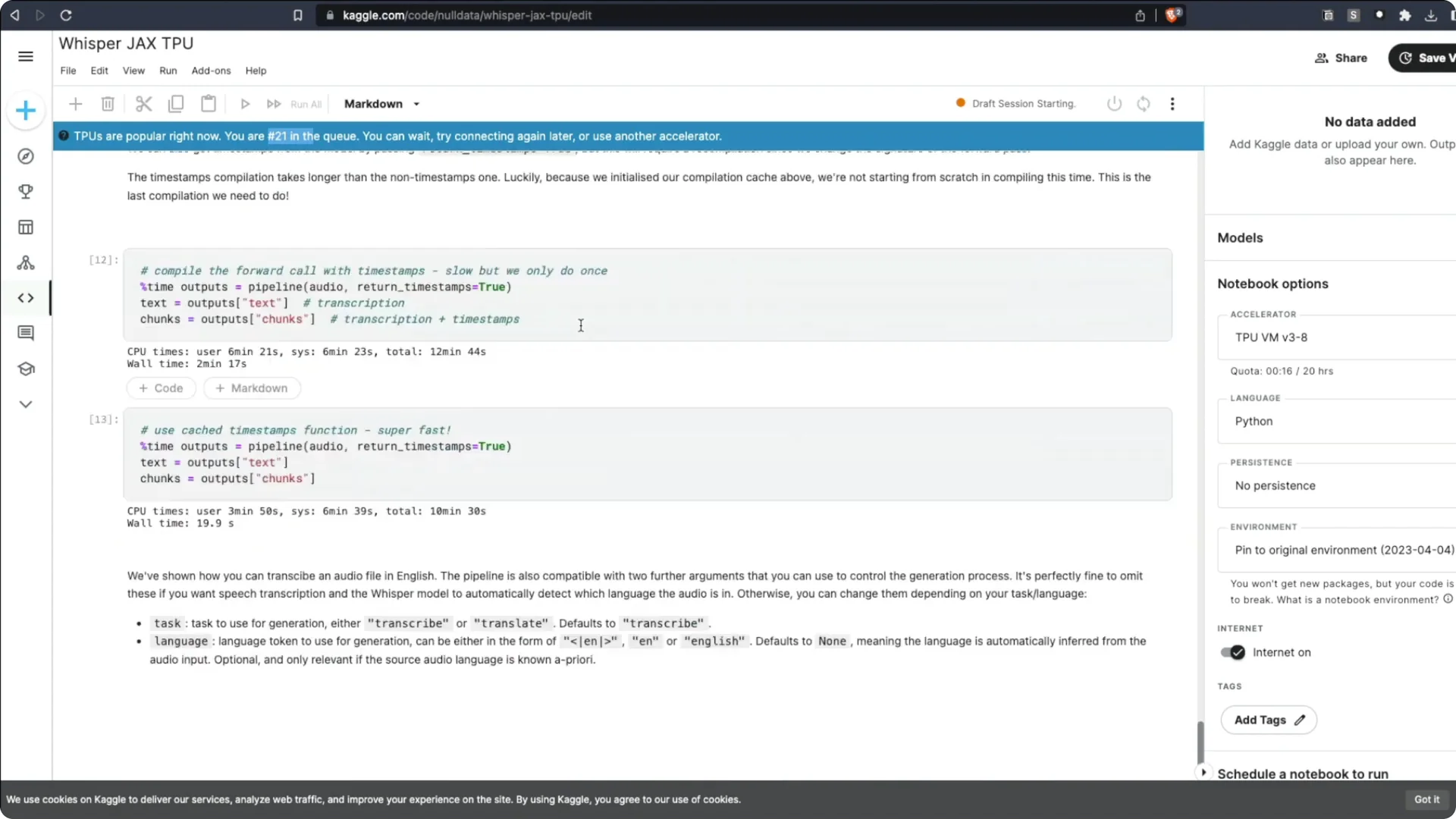
On Kaggle, I often saw a long queue. At one point there were at least 50 people ahead of me.
TPUs were extremely busy.
Whisper JAX Transcription on Kaggle – setup
1. Open the Kaggle notebook and choose Edit my copy.
2. Select the latest TPU as the accelerator, not the older one.
3. Use the new virtual machine option.
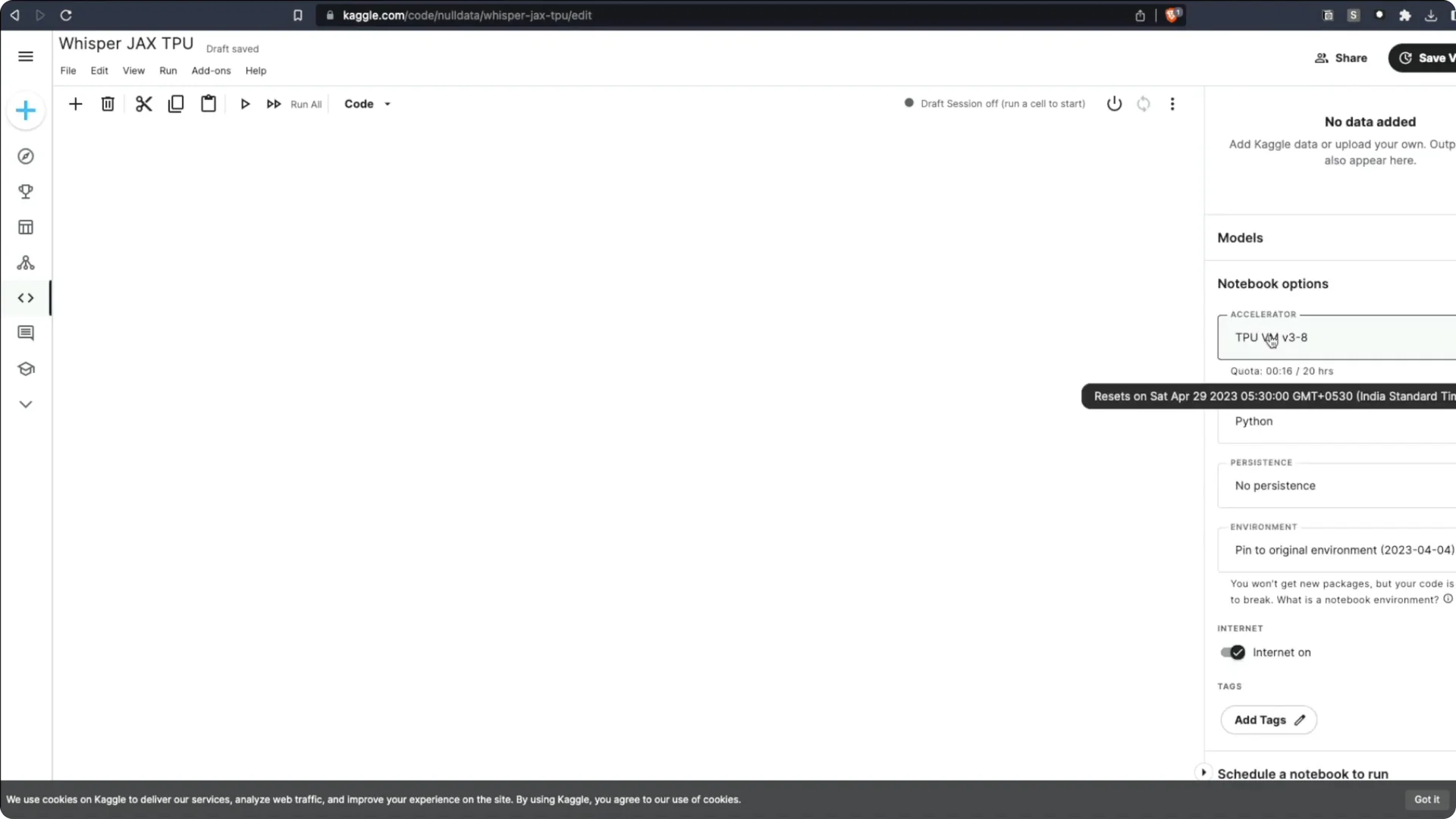
4. Start the machine and connect to the notebook.
5. You will likely see a waiting queue before the TPU becomes available.
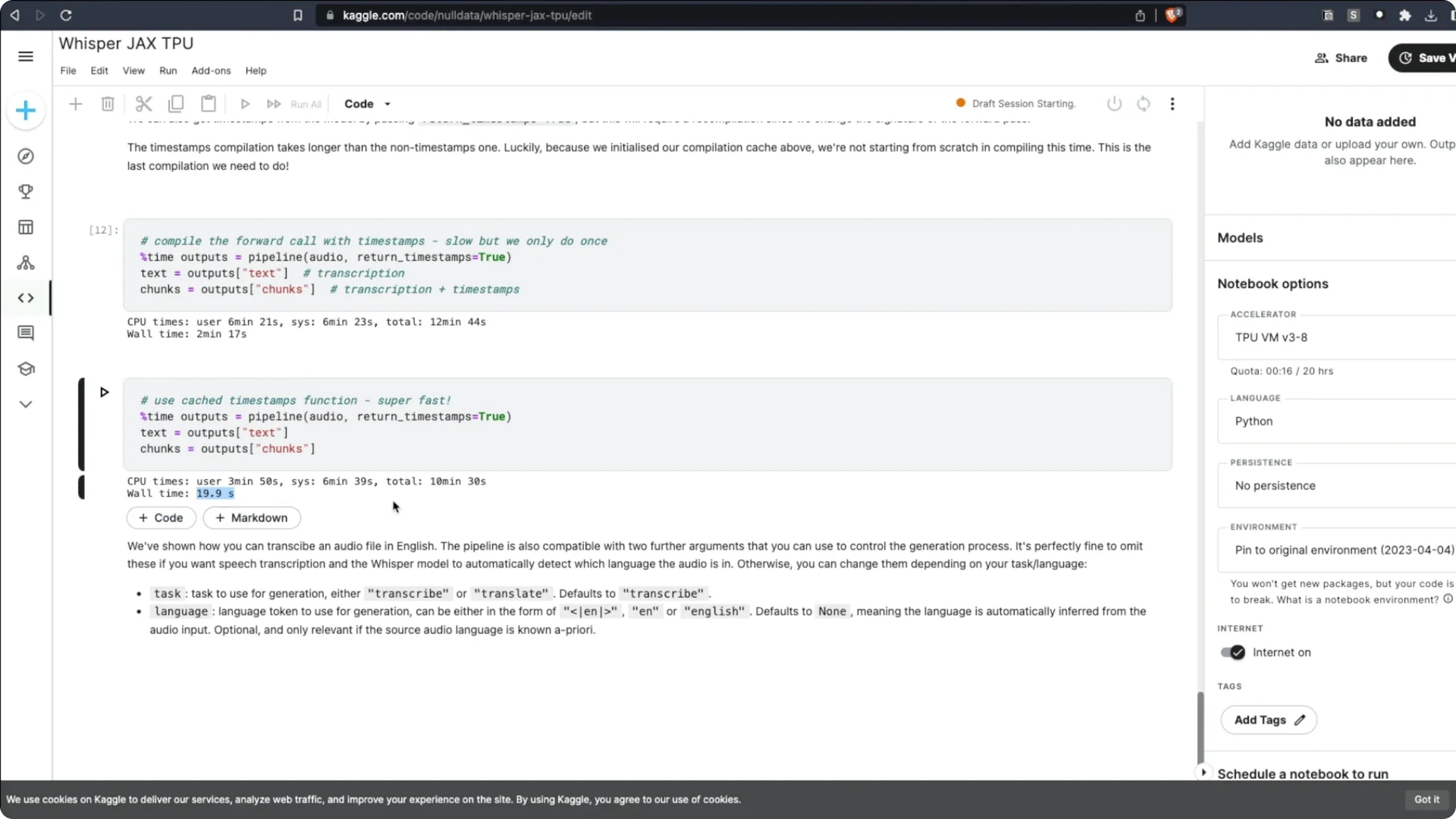
6. Once connected, run all cells to start transcription.
Whisper JAX Transcription on Colab and alternatives
Google Colab does not have the TPU version Whisper JAX needs. You can run Whisper JAX on a Colab GPU, but not on a TPU.
The best options are the Hugging Face Space, Kaggle with TPU, or renting a TPU on a cloud provider.
Benchmarks for Whisper JAX Transcription
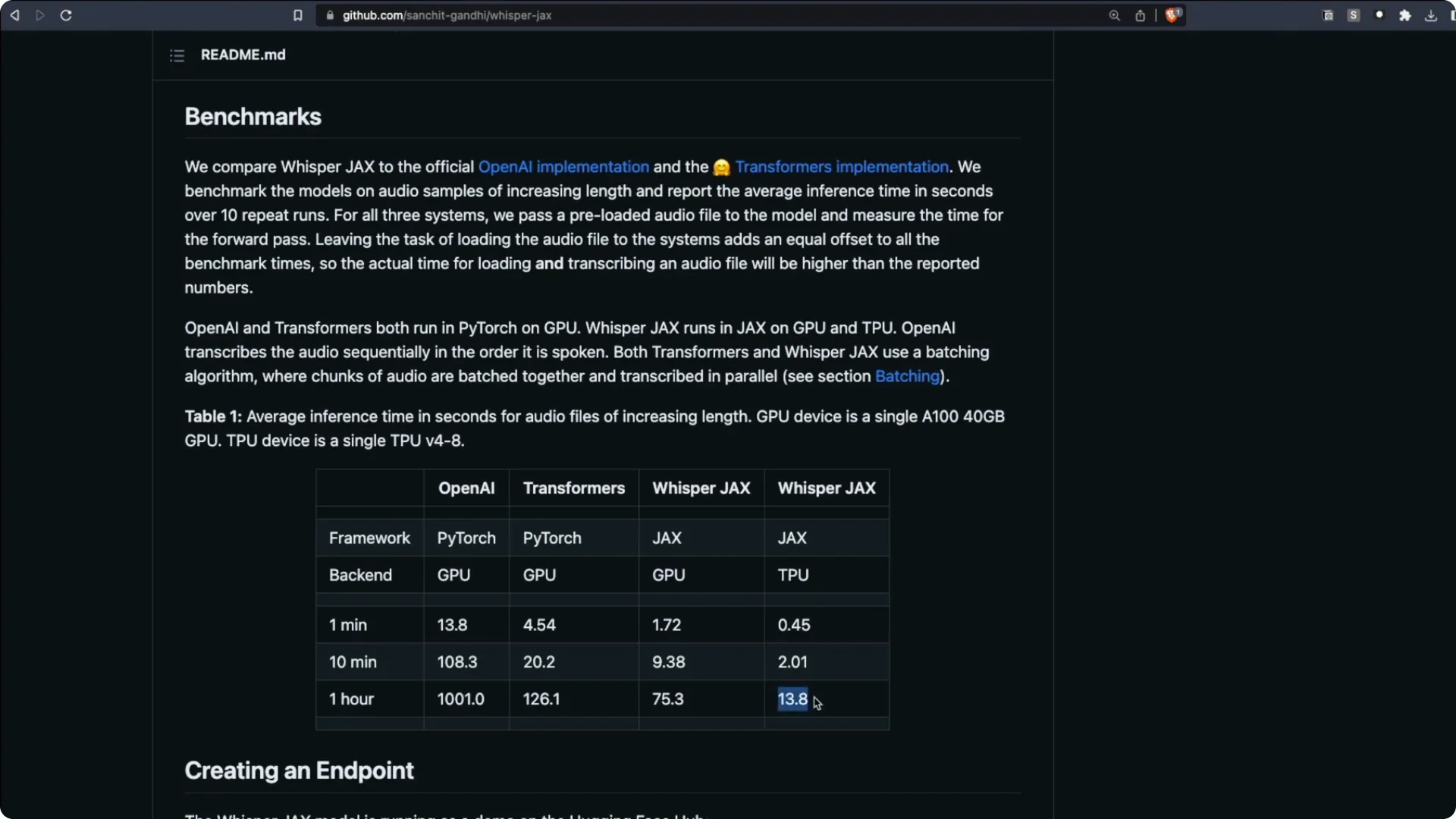
There are multiple versions of Whisper, including Whisper CPP. Here are key timings reported for transcribing a one hour audio clip.
OpenAI’s Whisper with a PyTorch backend on GPU took about 1000 seconds. Running through Transformers improved it to about 126 seconds.
Whisper JAX on GPU took about 75 seconds.
Whisper JAX on the latest TPU took about 13 seconds for one hour of audio. That aligns with my experience, where roughly 31 seconds handled two and a half hours. The speed is mind blowing.
To explore broader voice applications beyond transcription, see our overview of voice AI tools and use cases.
How to use Whisper JAX Transcription in code
Running the code is straightforward. Install the library, create a pipeline such as a Whisper pipeline, and transcribe.
You can load half precision to save memory. There are different Whisper models you can load depending on your needs. The examples make it easy to get started.
Whisper JAX Transcription Resources
Whisper JAX Web UI – Hugging Face Space.
Sachit Gandhi’s Kaggle Notebook – Whisper JAX on TPU.
Final thoughts on Whisper JAX Transcription
Whisper JAX brings Whisper to TPU via JAX and XLA, which is why it is so fast. Benchmarks show one hour of audio transcribed in about 13 seconds on the latest TPU.
If you can access a TPU through Hugging Face Spaces, Kaggle, or a cloud provider, the speedup is substantial. The workflow is simple, and the results are strong even on long-form audio.