Podcast transcription is useful for listeners who prefer reading and for creators who want search engine optimization, timestamps, and easier content discovery. There are plenty of tools that solve this, but I wanted an open source path you can run and ship yourself. The goal here is a simple web application where you paste a podcast URL, it downloads the audio, transcribes it, and lets you download the transcript.
I build this with OpenAI Whisper for speech to text and Gradio for the web app. You can run it in Google Colab and deploy it to Hugging Face Spaces. The whole stack is free and open source.
Podcast Transcription with Whisper: Setup
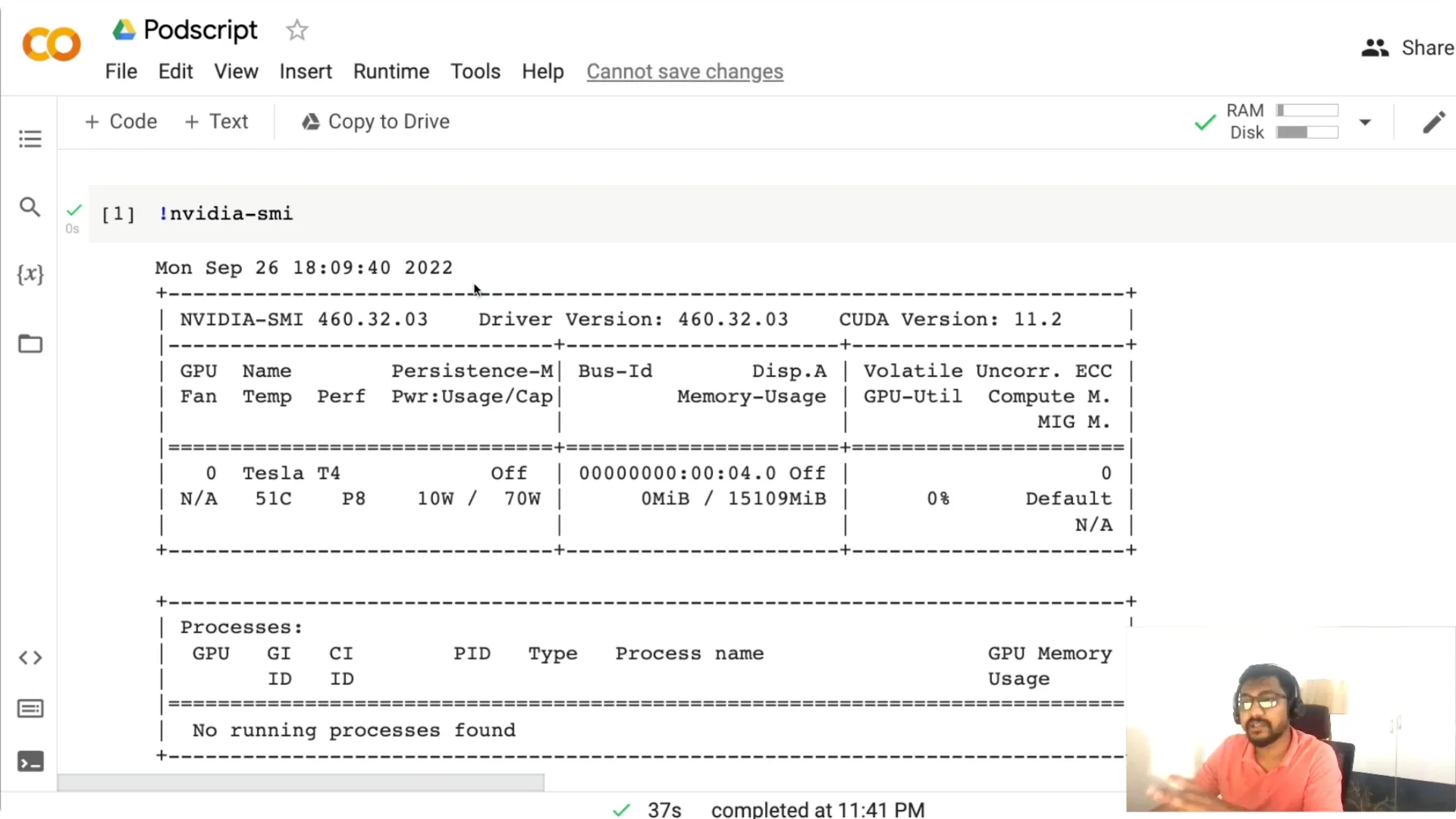
I use a Google Colab notebook so you can run everything with your Google account. The first thing to do is check if a GPU is available. Run nvidia-smi and confirm that a GPU is detected.
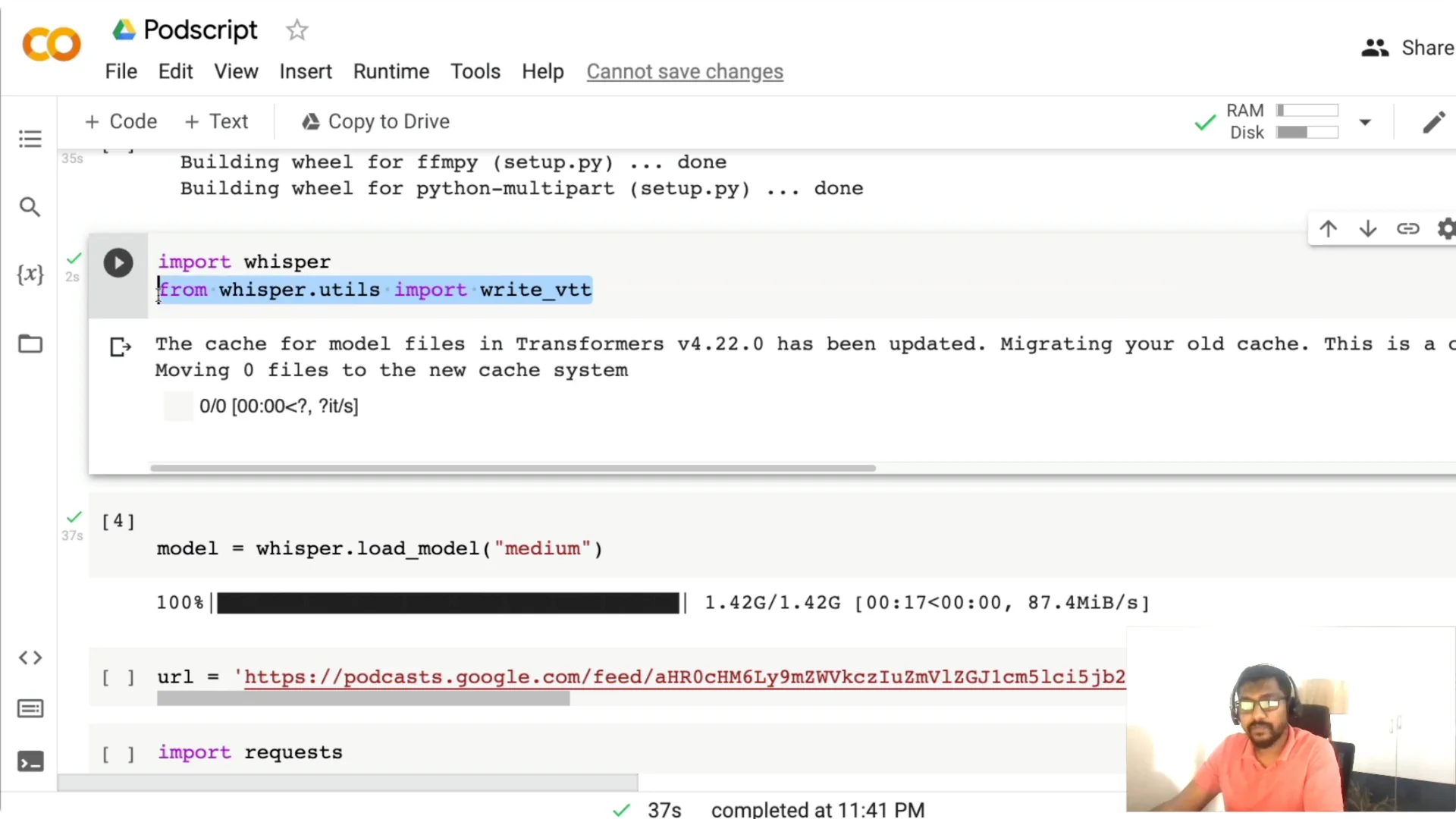
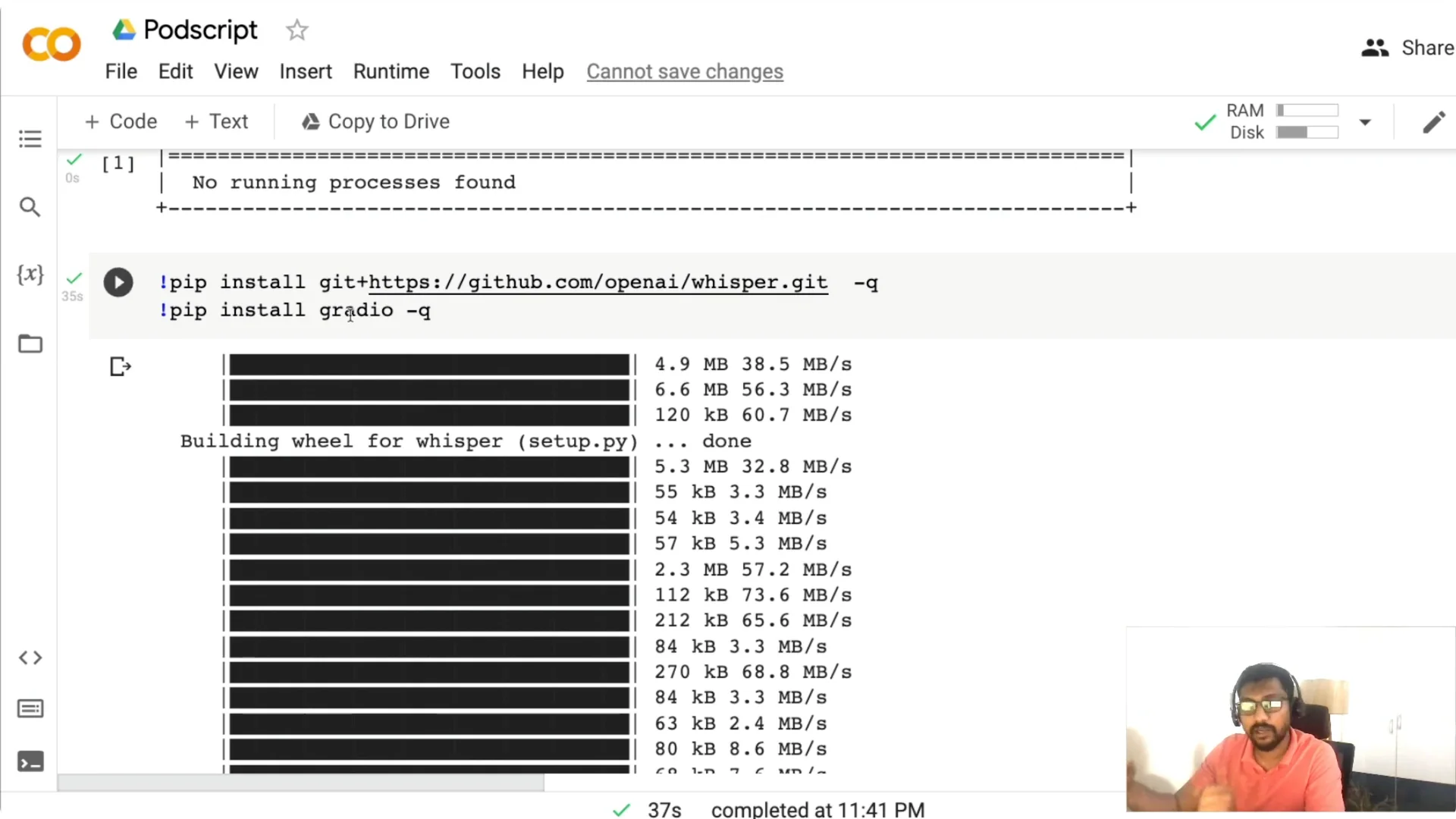
Install two libraries next. Install openai-whisper for transcription and Gradio for the web application. Once installed, import whisper and a small utility to write WebVTT subtitles.
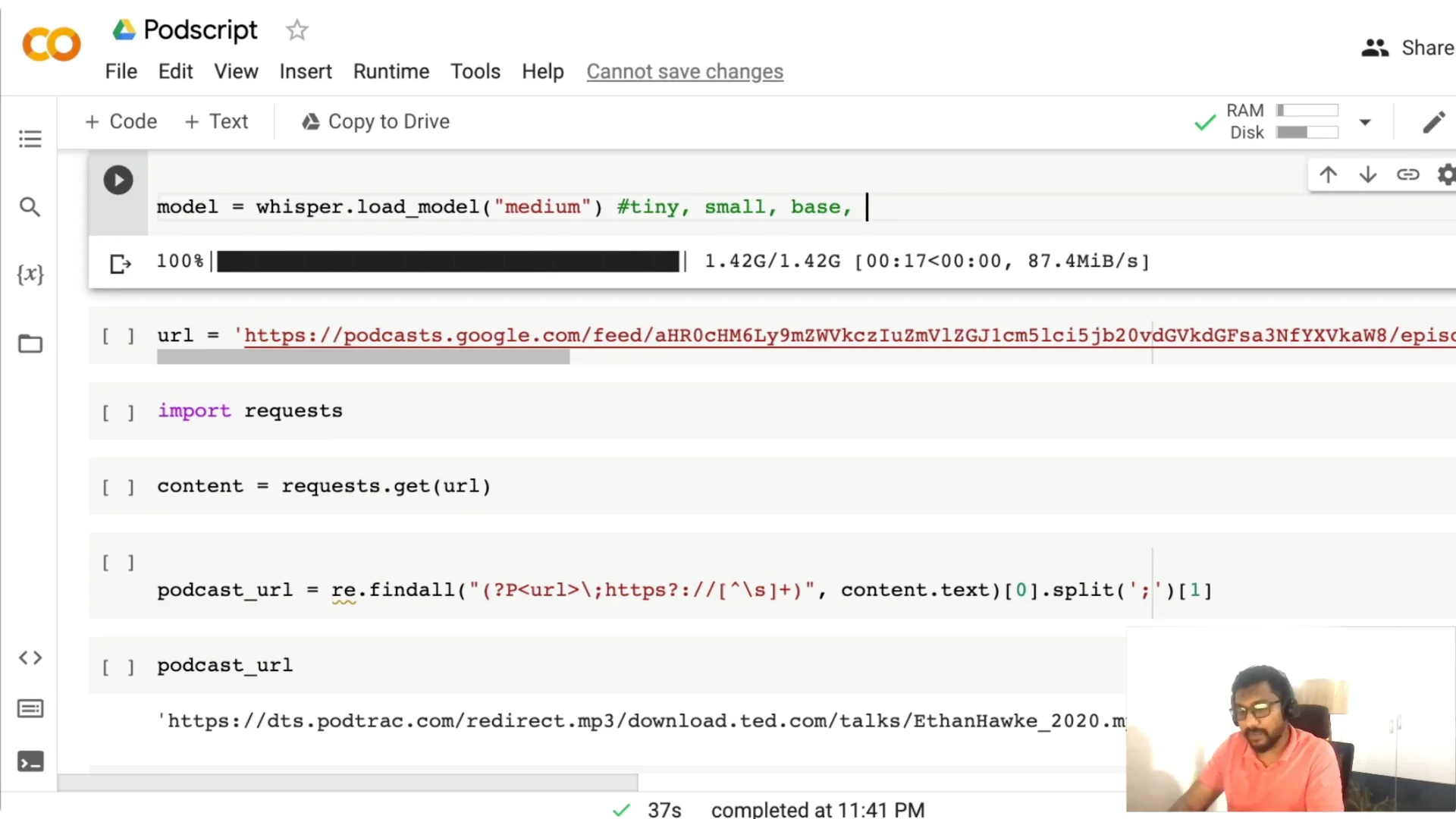
Download the Whisper model. You have tiny, base, small, medium, and large. The medium model is a 769 million parameter model, and it has been quite good for me for English and other languages. Pick a model based on the GPU you have and the trade-off you want between speed and accuracy.
Podcast Transcription with Whisper: Fetch the audio
This code path expects a Google Podcasts URL. Head to Google Podcasts, copy the episode URL, and paste it into the notebook to assign it to a variable like url.
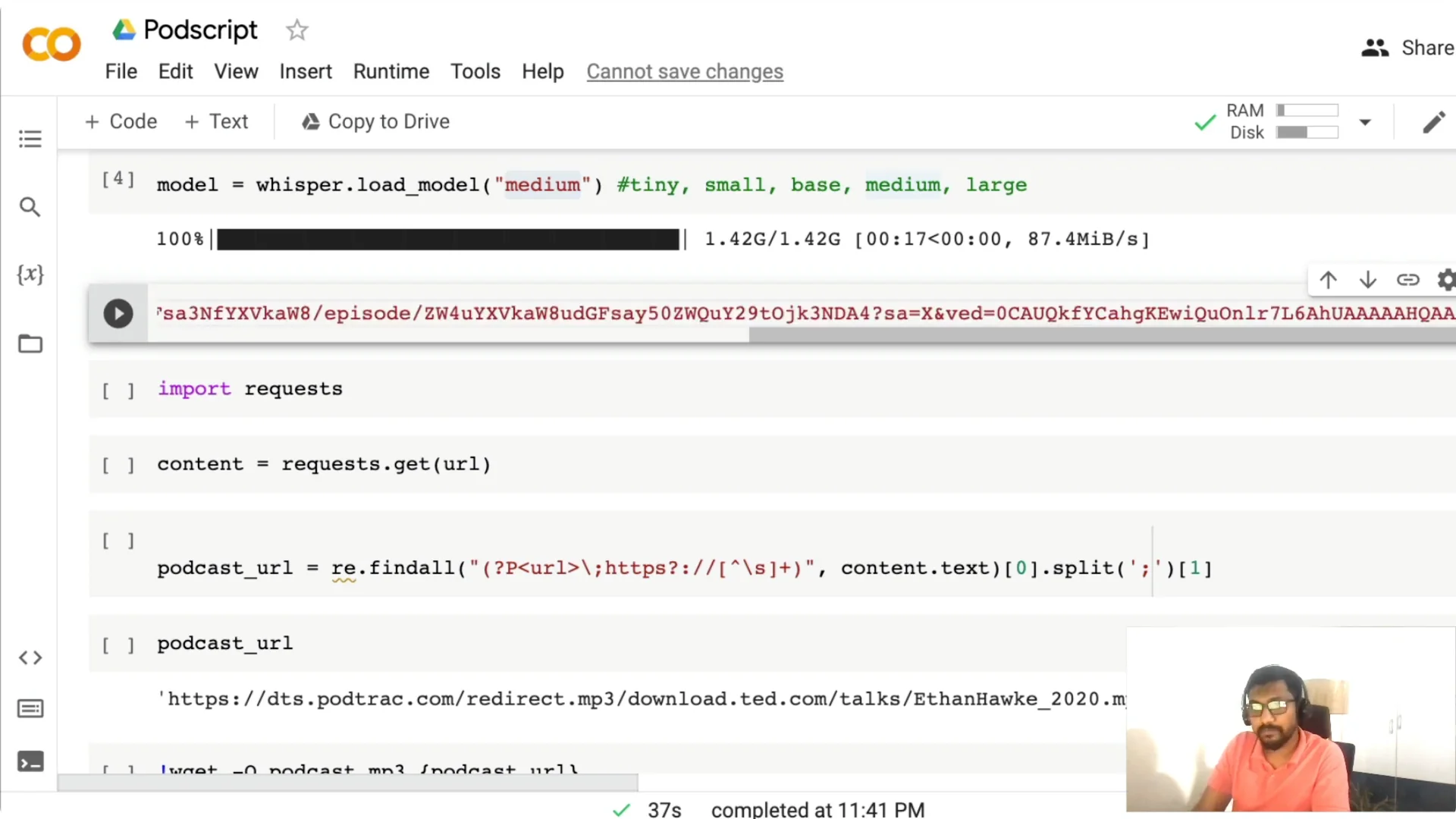
I then fetch the page content with requests and extract the MP3 link using regex. Once the MP3 URL is found, I download it into the Colab session as podcast.mp3.
Podcast Transcription with Whisper: Run transcription
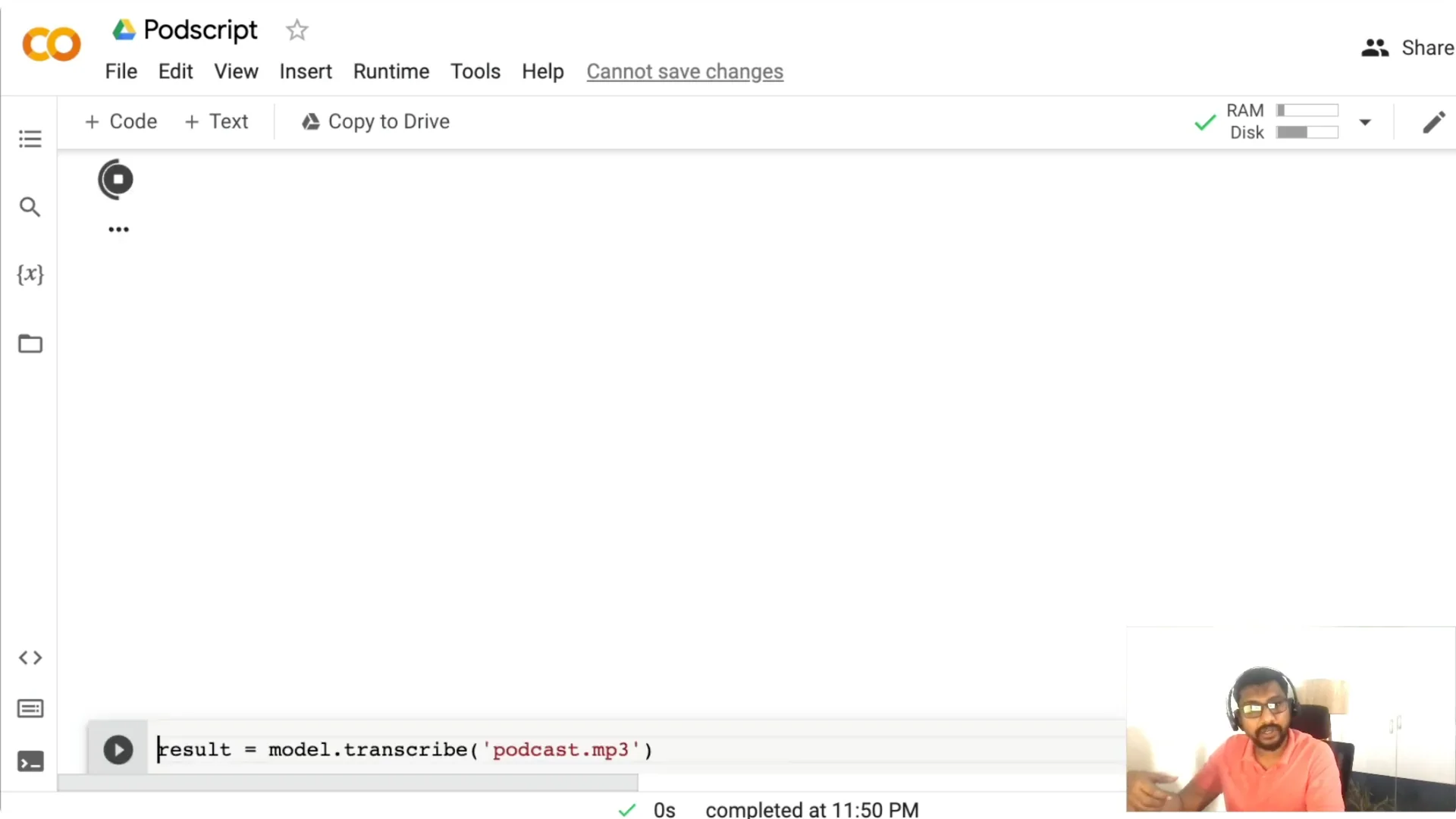
Call model.transcribe with the MP3 path. For a file around 4 MB, it took about 1.3 minutes on my setup, but the time depends on the file length, the model you choose, and the hardware.
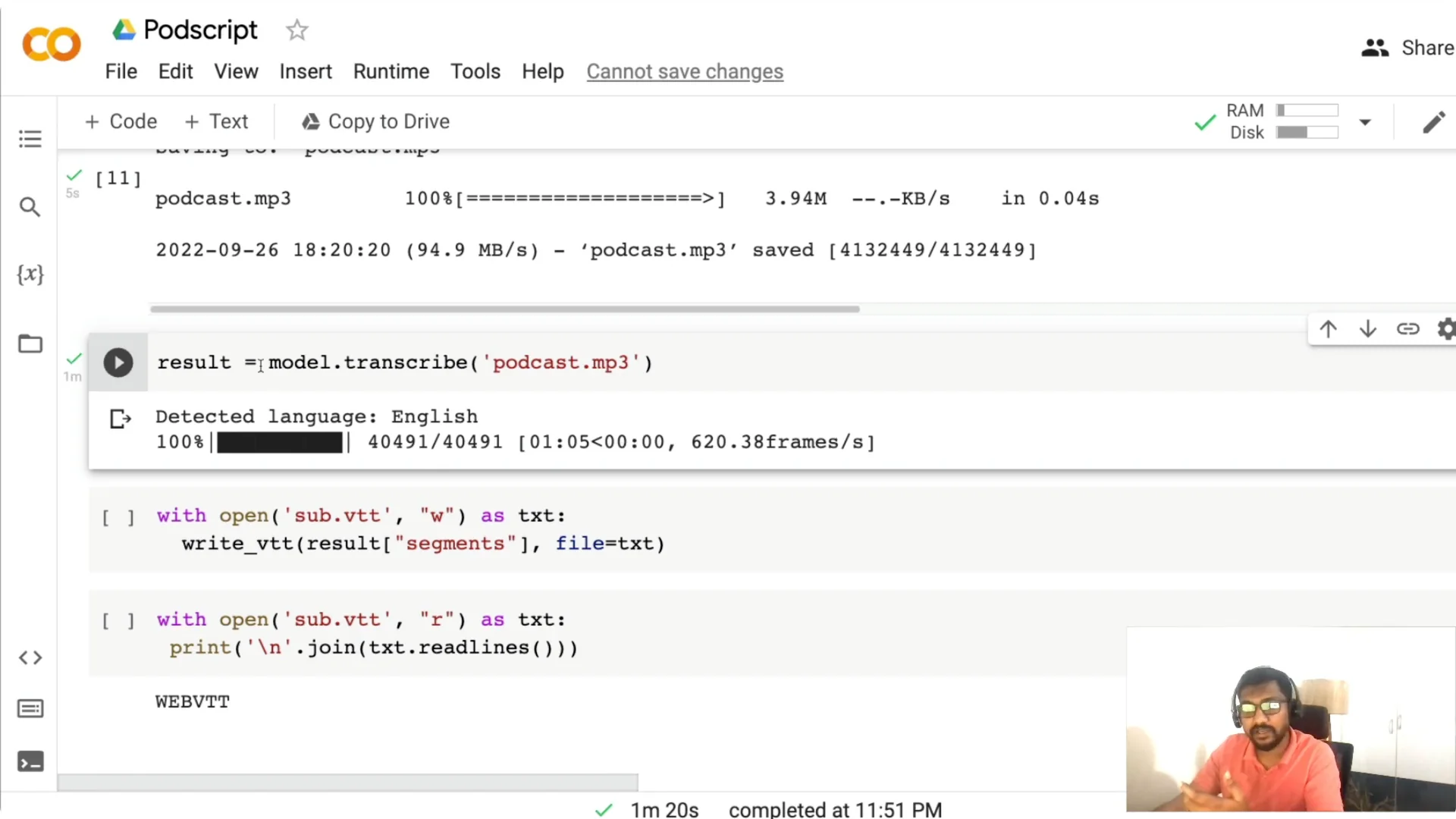
Tiny is faster but less accurate. Medium on CPU can take several minutes, so pick based on your deployment plan. Whisper detects language automatically and is multilingual, and you can play with parameters like temperature if you need to.
Podcast Transcription with Whisper: Subtitles and timestamps
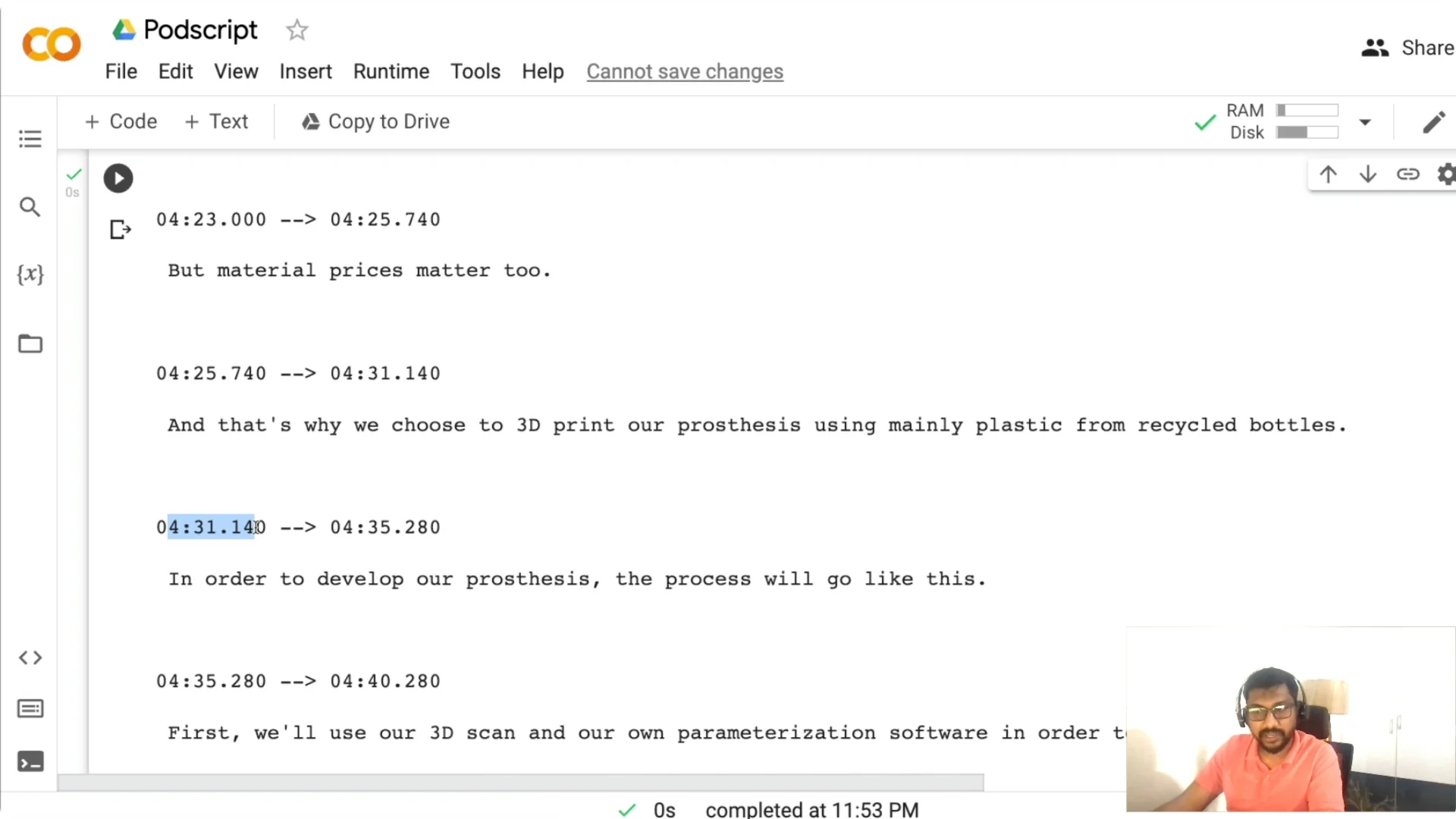
Once the result object is ready, I write a WebVTT subtitle file so the transcript includes timestamps. This makes it easier for someone to jump to a particular moment.
You can read the saved .vtt back and inspect lines with timestamps like 00:04:31 to find and navigate to what you need. If you also need captions for videos, see video captioning.
Podcast Transcription with Whisper: Build the Gradio app
I am not just doing transcription. I am wrapping the workflow into a Gradio web application so you can share it, deploy it, or turn it into an MVP.
Gradio has two broad approaches: Interface and Blocks. Interface is higher level and easy to get started, while Blocks gives you more control if you want to compose custom layouts and events.
Function, inputs, and outputs
You need three things for Gradio. A function, an input, and an output.
I create a function named inference(link). It takes a Google Podcasts URL, fetches the page, finds the MP3, downloads it with requests, runs whisper.transcribe, and writes the WebVTT file. The function returns two values: the transcript text and the path to the subtitle file.
Blocks UI layout
I set up a Blocks app with a simple HTML header for the title and a banner image. Then I add a centered textbox where users can paste the Google Podcasts link.
There is a button labeled Get PodScript that triggers the inference function. A read-only textbox displays the transcript, and a file component lets users download the .vtt subtitle file. The click event wires the input to the function and maps the two outputs accordingly, with debug=True to help capture errors and queue=True to handle concurrent requests on Spaces.
If you run this outside Colab, add the code that downloads the model inside your app so the environment pulls the weights at startup. For streaming use cases, check a real-time app example.
Podcast Transcription with Whisper: Deploy to Hugging Face Spaces
You need two files to deploy to Spaces. An app.py file that contains the Gradio Blocks code and an inference function, and a requirements.txt file.
In requirements.txt, include requests and openai-whisper. Modules like os and re are part of Python, so you do not need to install them.
Once you push app.py and requirements.txt, Spaces will build and launch your app. If your use case includes post-processing such as summarization, you can also summarize transcripts with ASR pipelines.
Podcast Transcription with Whisper: Use the app
Paste a Google Podcasts link, click Get PodScript, and wait while the app downloads and transcribes the audio. It then shows the full transcript and provides a .vtt file you can download for further editing in any text editor.
Running on a GPU is faster, and CPU runs will take more time with larger models. Everything here is built using open source tools, and you can deploy it on any GPU based server or on Hugging Face Spaces.
Final Thoughts
This project gives you a practical podcast transcription workflow with Whisper and a simple Gradio front end. You paste a link, it fetches the MP3, transcribes it, and produces a timestamped transcript you can read and download. It is a clean way to add transcripts to your podcast, improve discovery, and enable quick navigation by timestamps.