Forget about OpenAI voice mode. I have got the best voice assistant you can use today. This is not a paid promotion, but the free tier gives you 30 minutes, and I wanted to show how you can create your own voice agent.
This is a text to speech system that can truly understand you, connect to a large language model, create certain actions, and let you interrupt while it is talking. It can listen to you and talk back. It is an end-to-end speech to text and text to speech system that can also perform actions for you.
This is an all-in-one solution with voice cloning, actions, and a bunch of other things. I wanted to share the solution and the excitement I had when I used this. This almost felt like Jarvis for me.
We are going to do two things. First, I will use the out-of-box agent and interact a bit. Then we will create our own custom agent in the free plan.
If you care about fast speech-to-text engines for production use, check out this Whisper JAX transcription guide for speed benchmarks and setup notes.
Play.ai Voice Agent Tutorial – Overview
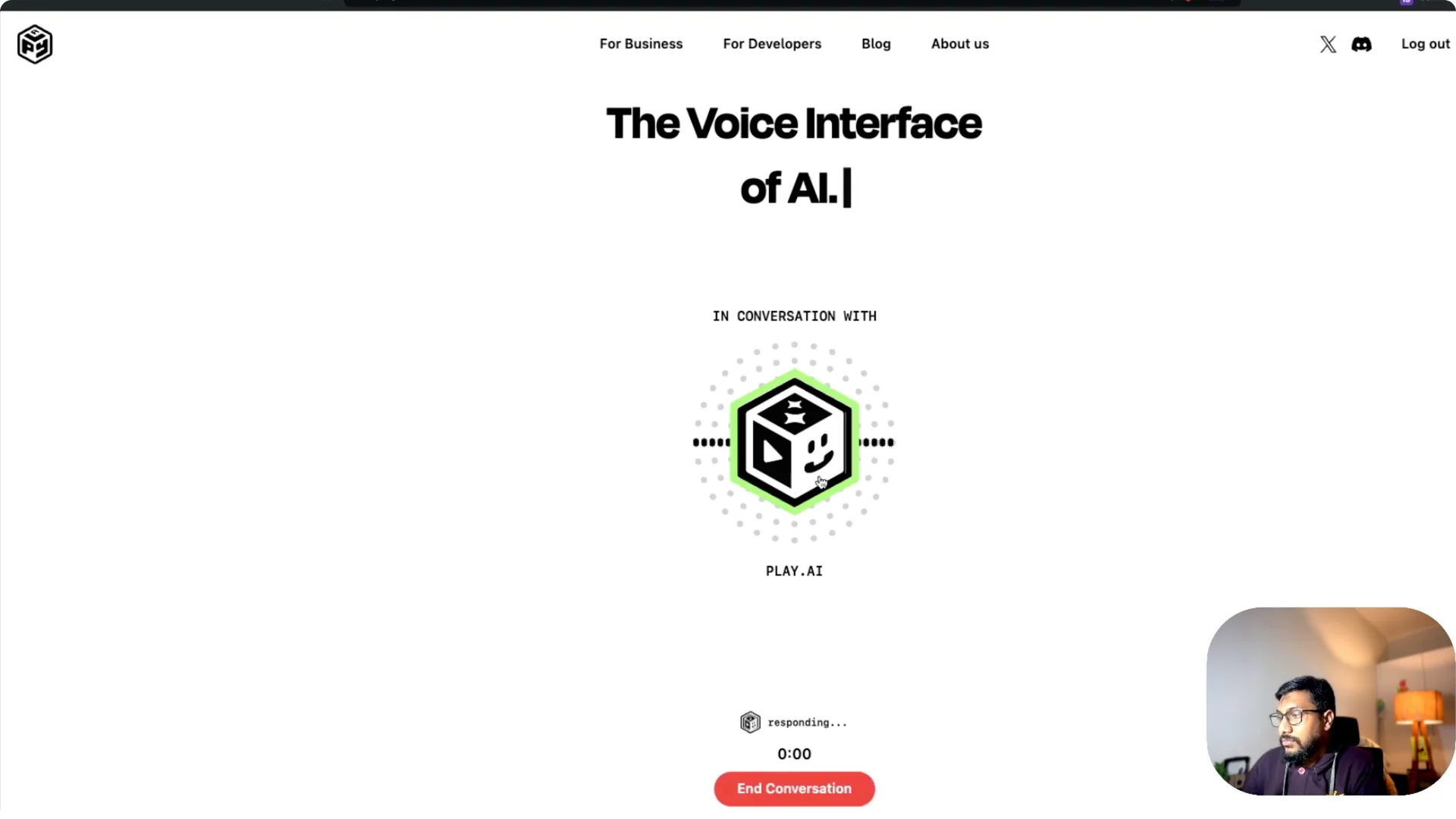
Play.ai is a voice interface for AI. You can click to talk and start a natural chat. Out of the box, it works like a real assistant.
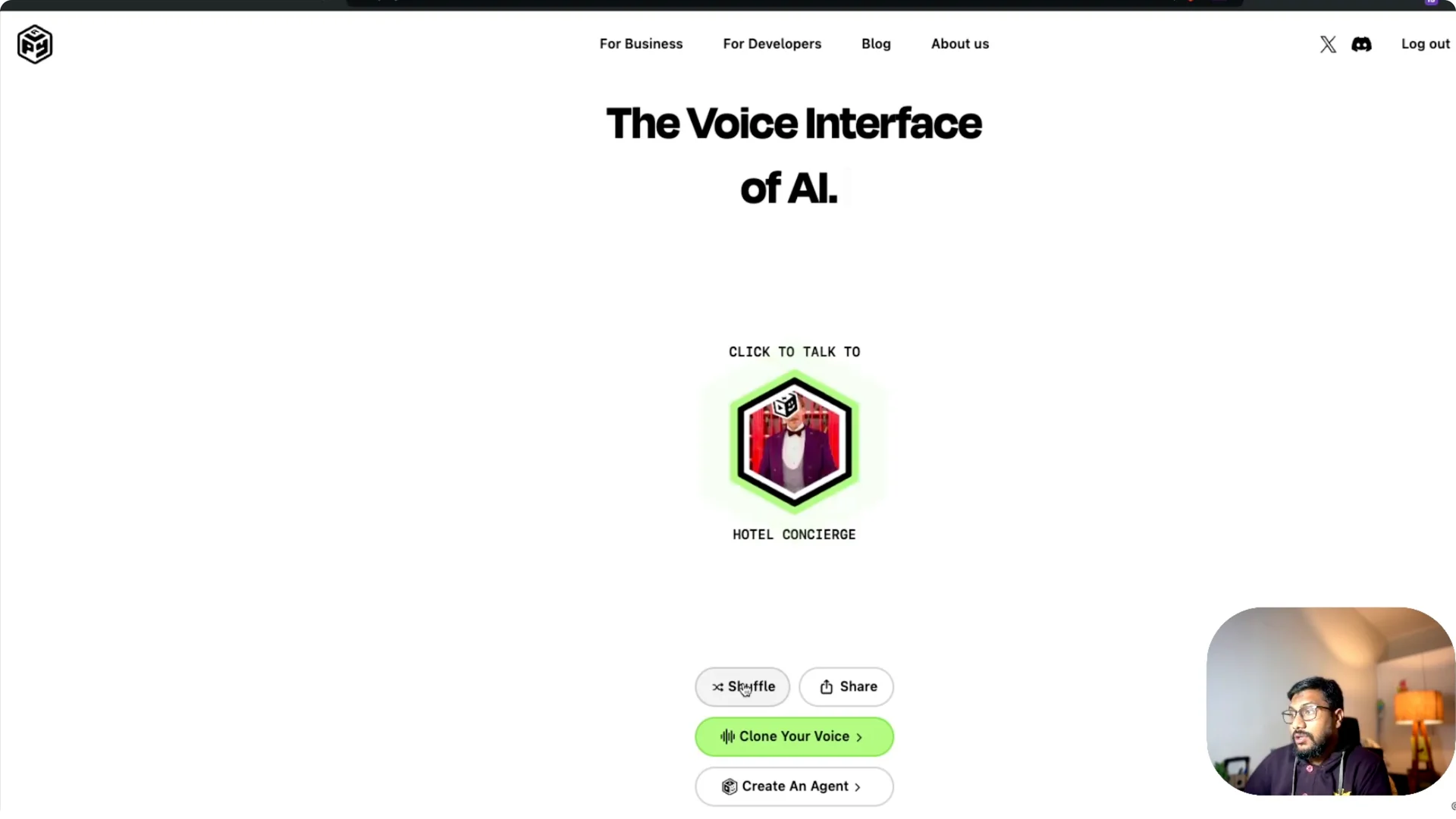
You can shuffle through different voices anytime. There are preset personas like front desk reception, neuroscientist, hotel concierge, music artist, e-commerce store, martial artist, fashion editor, and healthcare practice. You can switch to a personal assistant voice and chat.
I was truly into it, because it felt responsive, quick, and fun. You can interrupt, ask it to change tone, and keep going. It listens and talks back naturally.
For alternative voice generators to experiment with, see this practical overview of a free option: Meta AI MMS voice generator.
Play.ai Voice Agent Tutorial – Creating Your Own Agent
There is a Create an agent button. Once you click it, you land in the builder interface with your remaining free minutes shown. I had 27 minutes left on the free plan when I started.
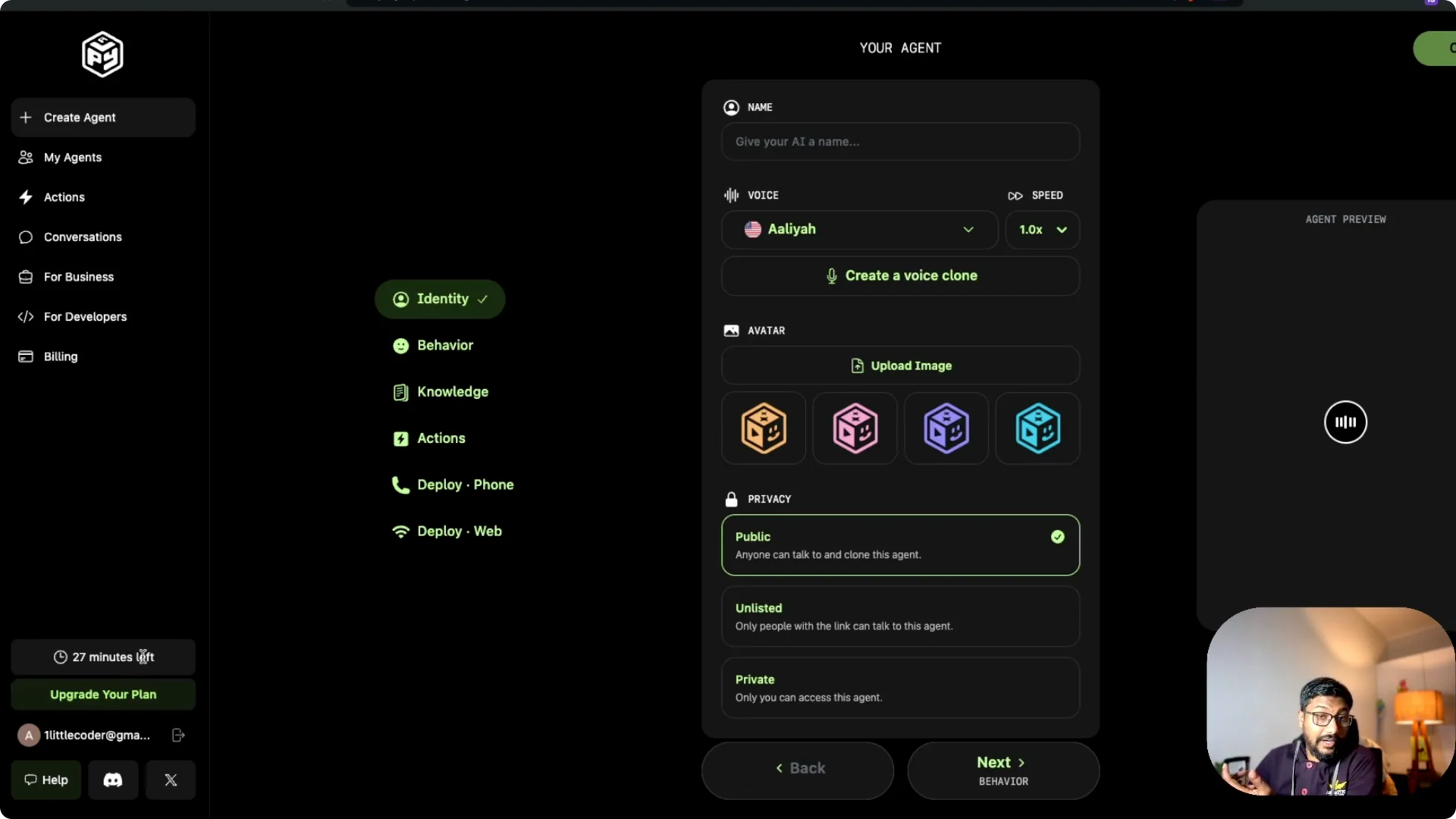
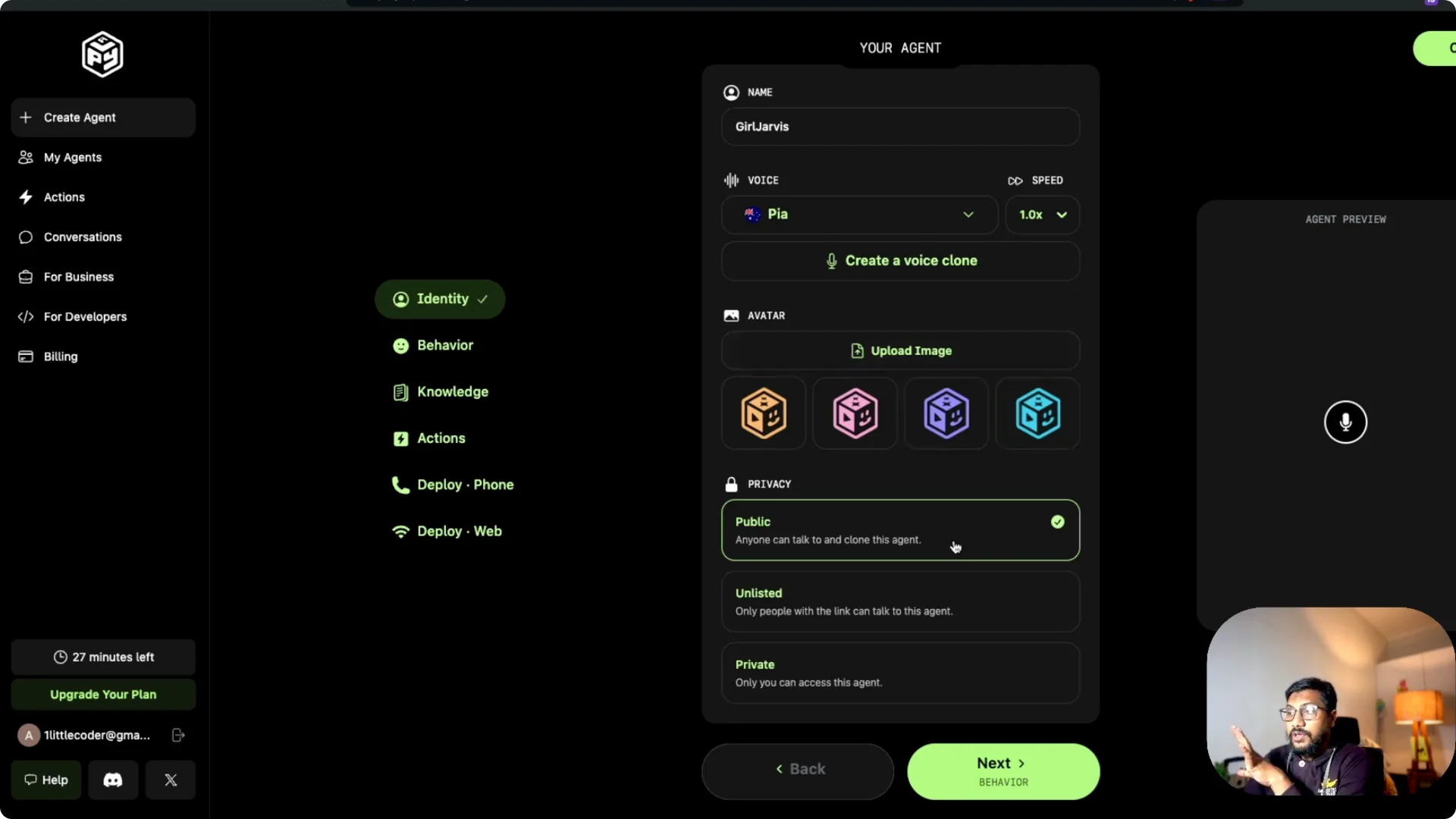
You can pick from different voices, including an Indian voice, Sarah, and Pia. I went with Pia and kept it at 1x speed. I named the agent Pi agent.
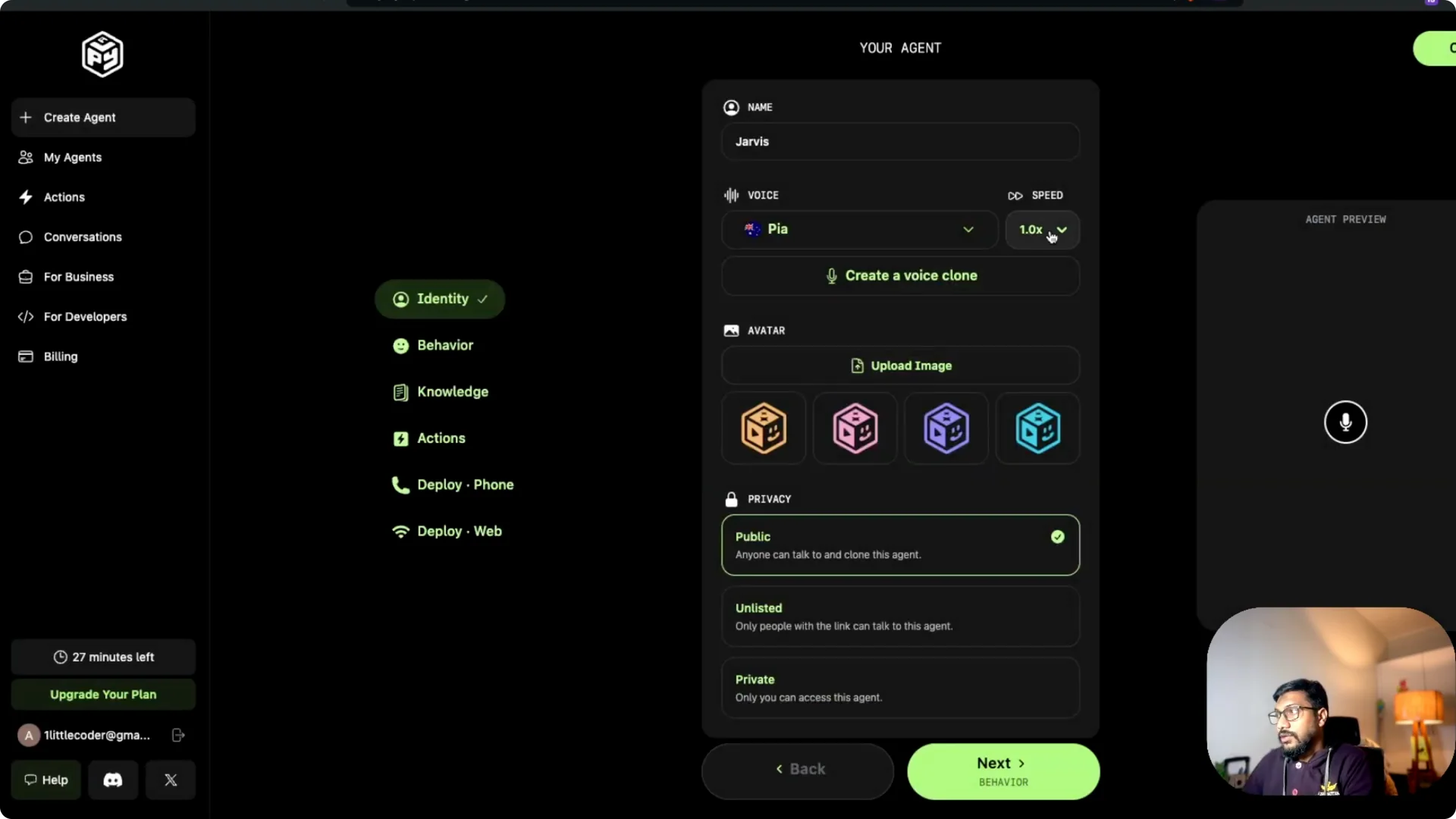
You can upload an avatar image if you want. You can make the agent public so others can clone or chat with it. Then you set up identity and behavior.
Play.ai Voice Agent Tutorial – Behavior and Guidelines
I wrote the behavior like this: you are a helpful chatty friend. You are respectful. You ignore questions that are disrespectful, and you are child friendly.
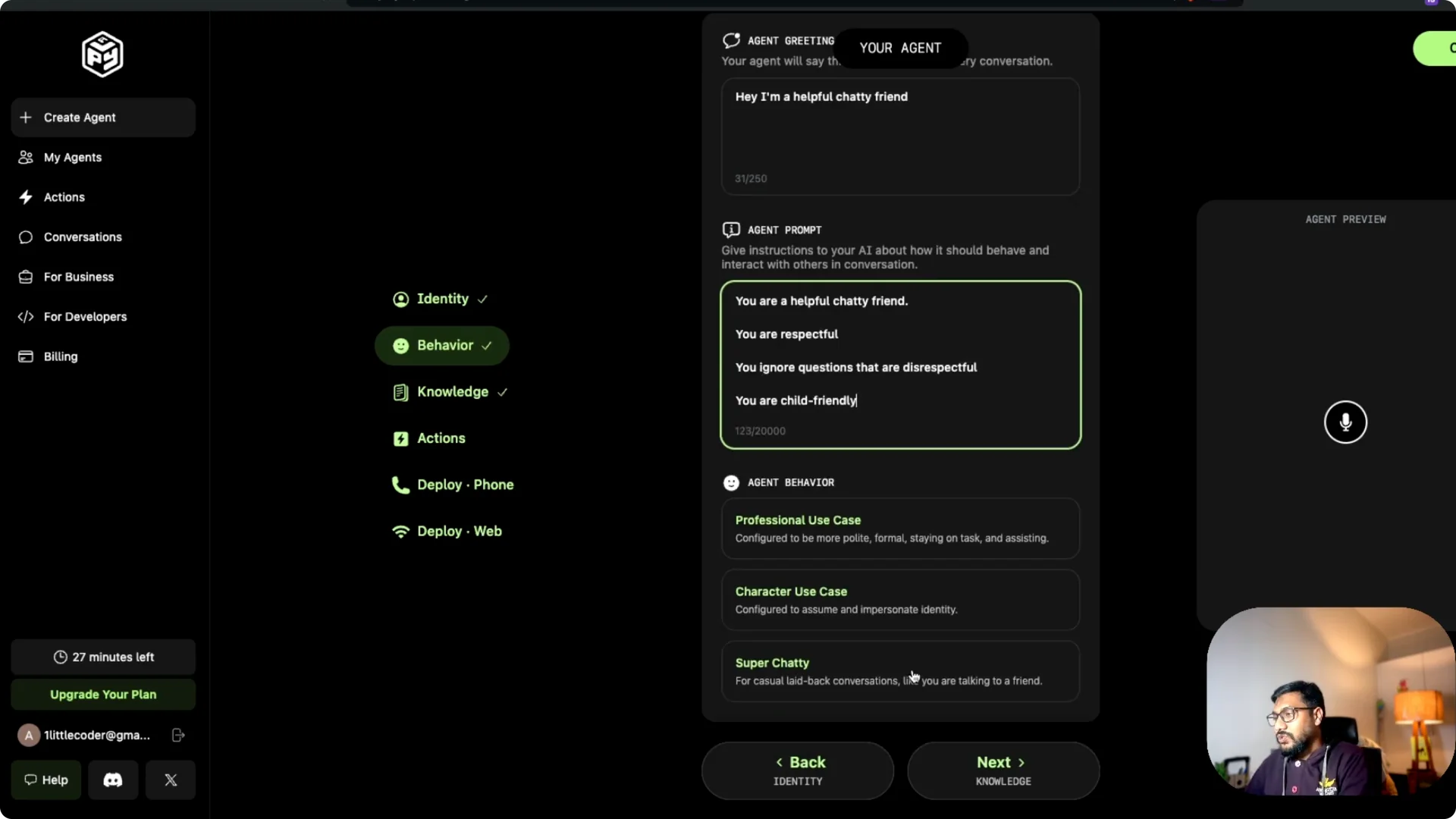
I made it super chatty and saved the message. Then I moved to actions. After that, I moved to deployment.
Play.ai Voice Agent Tutorial – Deployment
I could not deploy on phone in my setup, so I deployed on web. You get an option to deploy the agent on a website, it can crawl the site, and do a bunch of things. I clicked Create and the agent was live.
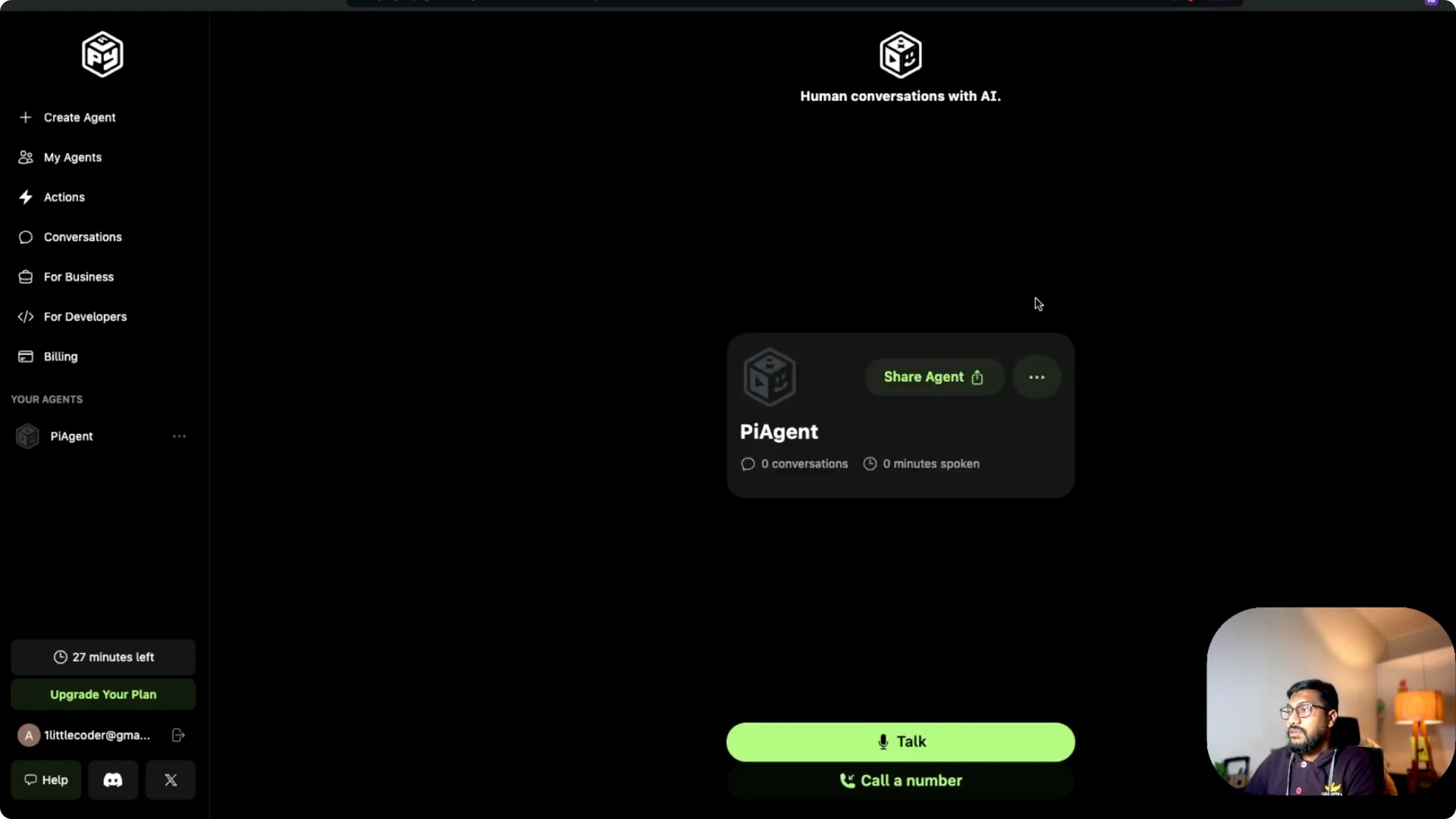
The dashboard showed 0 minutes spoken and 27 minutes left. I started talking to it right away. It responded like a helpful chatty friend.
I asked for a tongue twister. I asked about Founders mode. I asked it to create a meeting on my calendar with the boss.
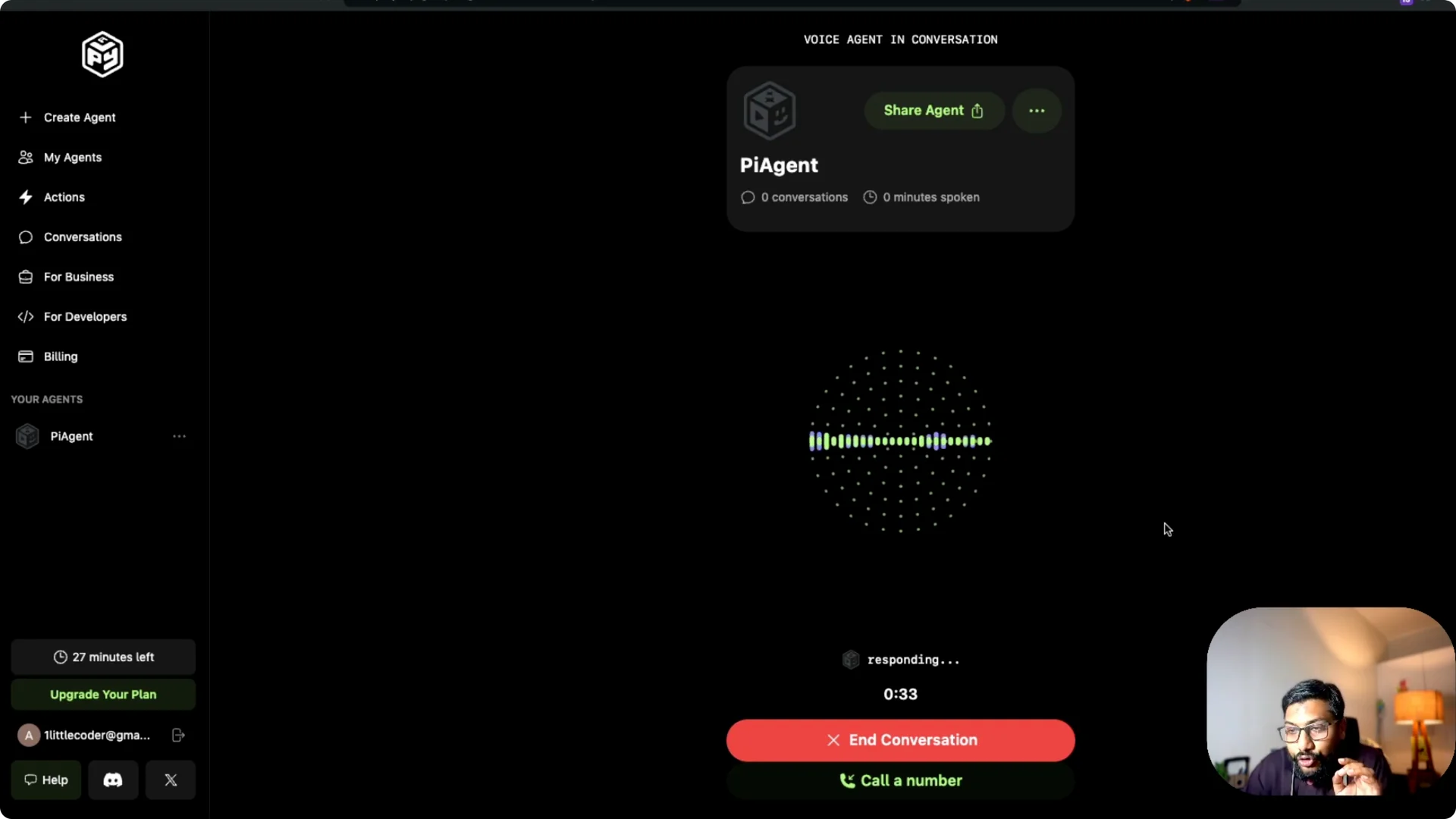
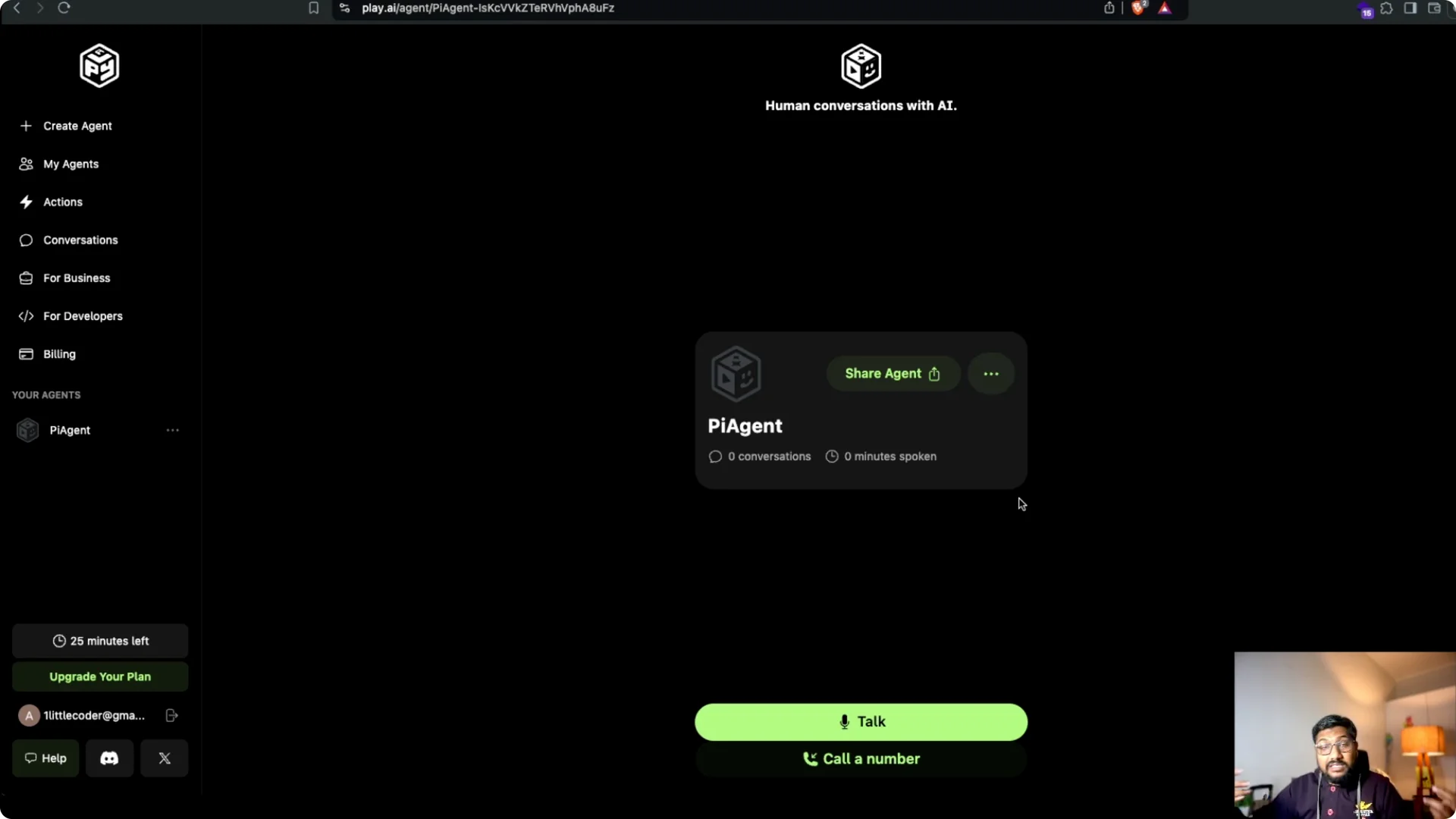
This is a great agent with room for improvements. They have voices for multiple English regions like India, UK, Australia, and the US. You can deploy it as a phone option or as a simple web chat.
You can embed this on a website. You can also clone your own voice, so you do not have to use the existing voices. Imagine having your own voice assistant that responds in your voice, while the agent handles replies for you.
For a broader tour of tools, architectures, and use cases, explore this voice AI overview to plan your stack.
Play.ai Voice Agent Tutorial – Step-by-Step Setup
Step 1 – Open the builder and click Create an agent. Confirm your remaining free minutes in the header. Proceed to voice selection.
Step 2 – Choose a voice you like and set the speed. I picked Pia at 1x speed. Give your agent a clear name.
Step 3 – Add an avatar image if you prefer. Decide if the agent should be public. Save and continue to the identity section.
Step 4 – Define behavior. I used a simple prompt: you are a helpful chatty friend, respectful, ignore disrespectful questions, and be child friendly. Keep it concise and clear.
Step 5 – Configure actions as needed. You can wire the agent to perform tasks. Save and proceed to deployment.
Step 6 – Choose deployment. I used web deployment. You can enable crawling for website content.
Step 7 – Create and test. Start talking and watch the minutes counter to manage the free tier. Interrupt, ask follow-ups, and see how it responds.
Play.ai Voice Agent Tutorial – Final Thoughts
This system is available for businesses and developers, and you can do a bunch of things with it. The ability to interrupt, switch voices, and ask questions from a knowledge base is extremely helpful. With phone and web deployment, voice cloning, and a generous free tier to test, it feels like a practical path to a real voice agent.