We have a new very fast speech to text using Distil-Whisper. Distillation is a process in which you reduce the size of a deep learning model. The Hugging Face team has reduced the size of Whisper, which means Whisper is now faster, smaller, and can transcribe more text using less time and compute.
This project is Distil-Whisper, a distilled version of Whisper for English only. It is six times faster, 49% smaller, and it performs within 1% word error rate on an out-of-distribution evaluation set. It does not do bad when you compare it with the original Whisper that OpenAI launched.
What Distil-Whisper Speech Recognition Delivers
Whisper large v2 is the base one, and there are two distilled versions: distil-large-v2 and distil-medium.en. For my experiments I use medium because I have been using the medium model for a lot of different tasks. I found that the medium model has the sweet spot.
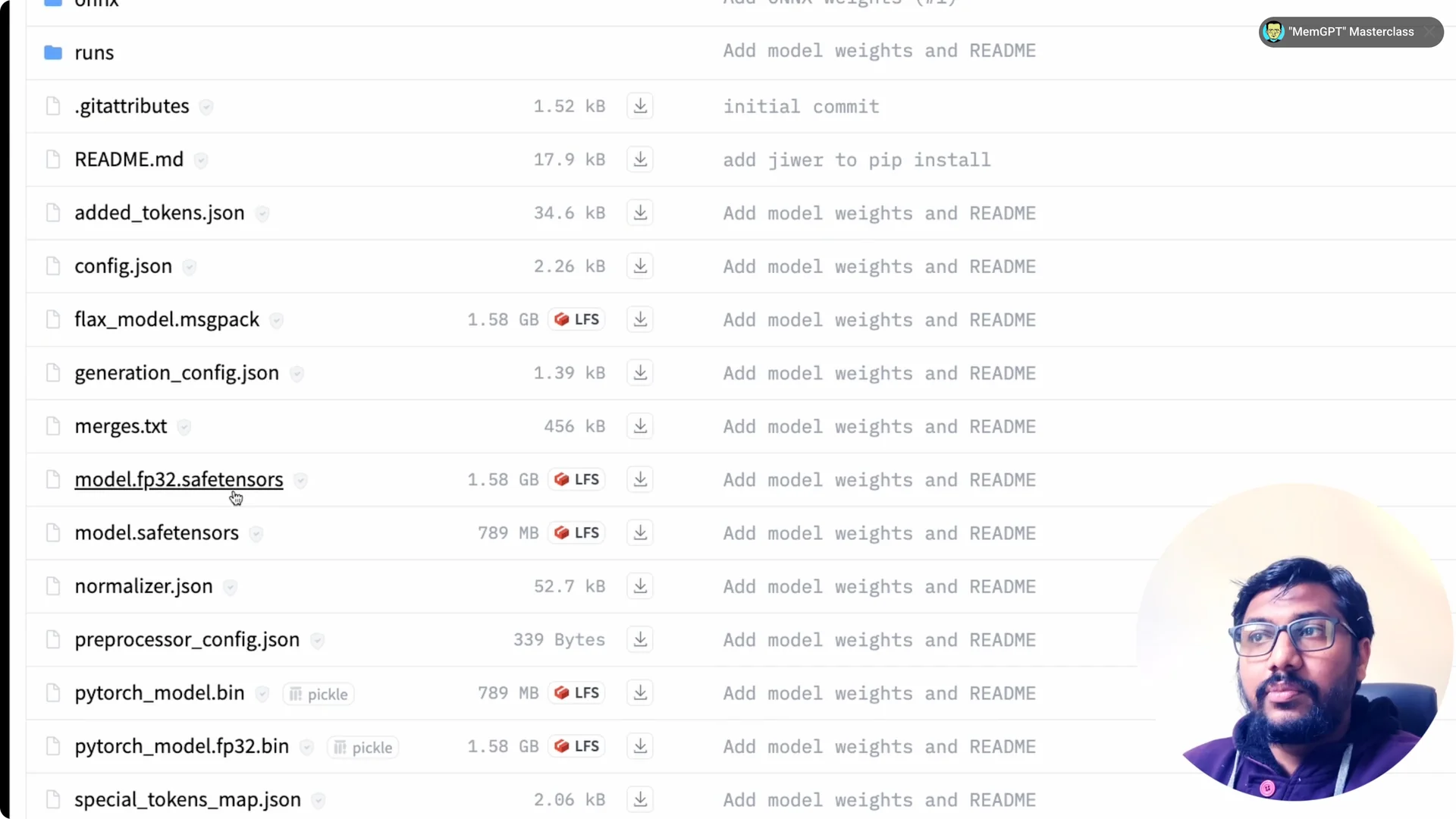
If you are new to Whisper on Hugging Face, see this guide to converting English audio with transformers: convert English speech to text with Hugging Face. The model is available on the Hugging Face Hub with safetensors and PyTorch weights. You can pick the format you like during setup.
Use Cases for Distil-Whisper Speech Recognition
There are three things that you can do with this. You can do short-form transcription for a few seconds of audio. You can do long-form transcription.
You can also use this model as an assistant for the original Whisper for speculative decoding, which increases the speed at which the original Whisper would transcribe. If you are already working with the original model in Python, this walkthrough can help you connect the dots: build a speech-to-text project with OpenAI Whisper. That way you can compare results and speed side by side.
Set Up Distil-Whisper Speech Recognition
Install packages
Distil-Whisper is integrated with transformers, so you can use the Hugging Face transformers pipeline for transcription. Install transformers and accelerate, and if you want to use datasets from Hugging Face then install datasets as well. If your GPU supports FlashAttention 2 you can use it to speed up decoding, and Optimum gives you BetterTransformer to further speed up inference.
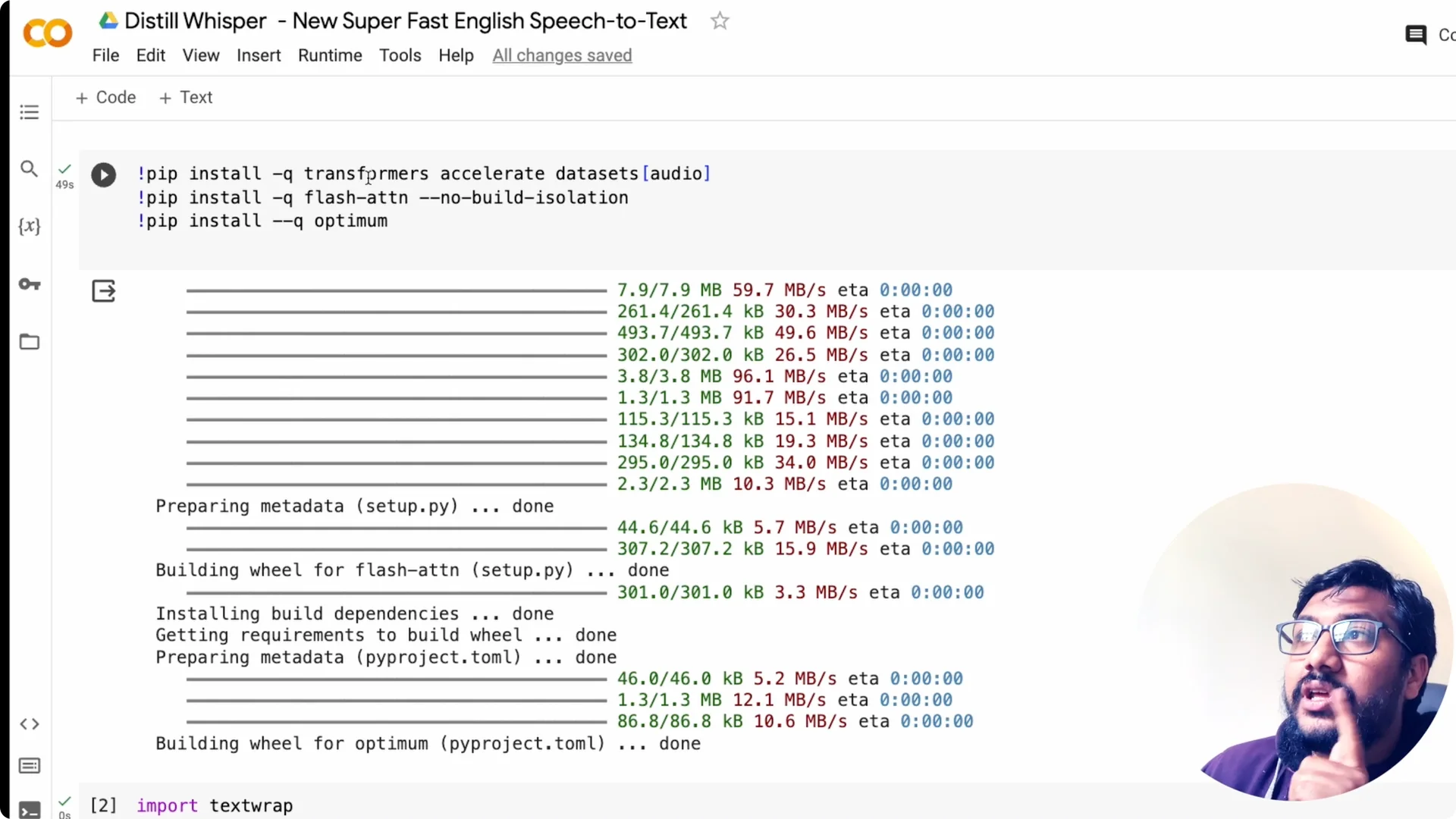
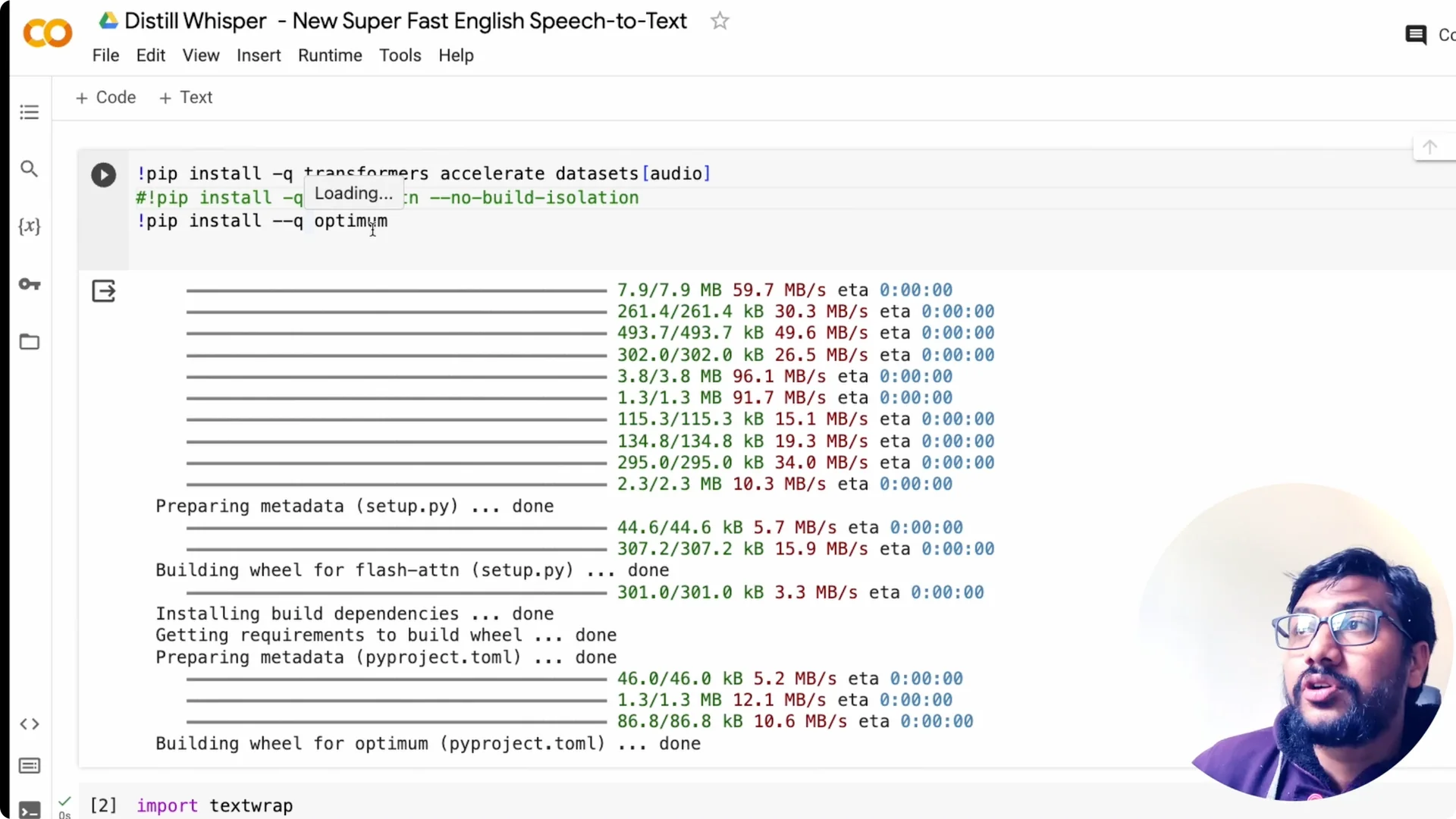
Even if you do not use FlashAttention 2, Optimum can still help. Install Optimum and you can convert the model to a BetterTransformer variant. This generally improves throughput on GPU.
Load the model
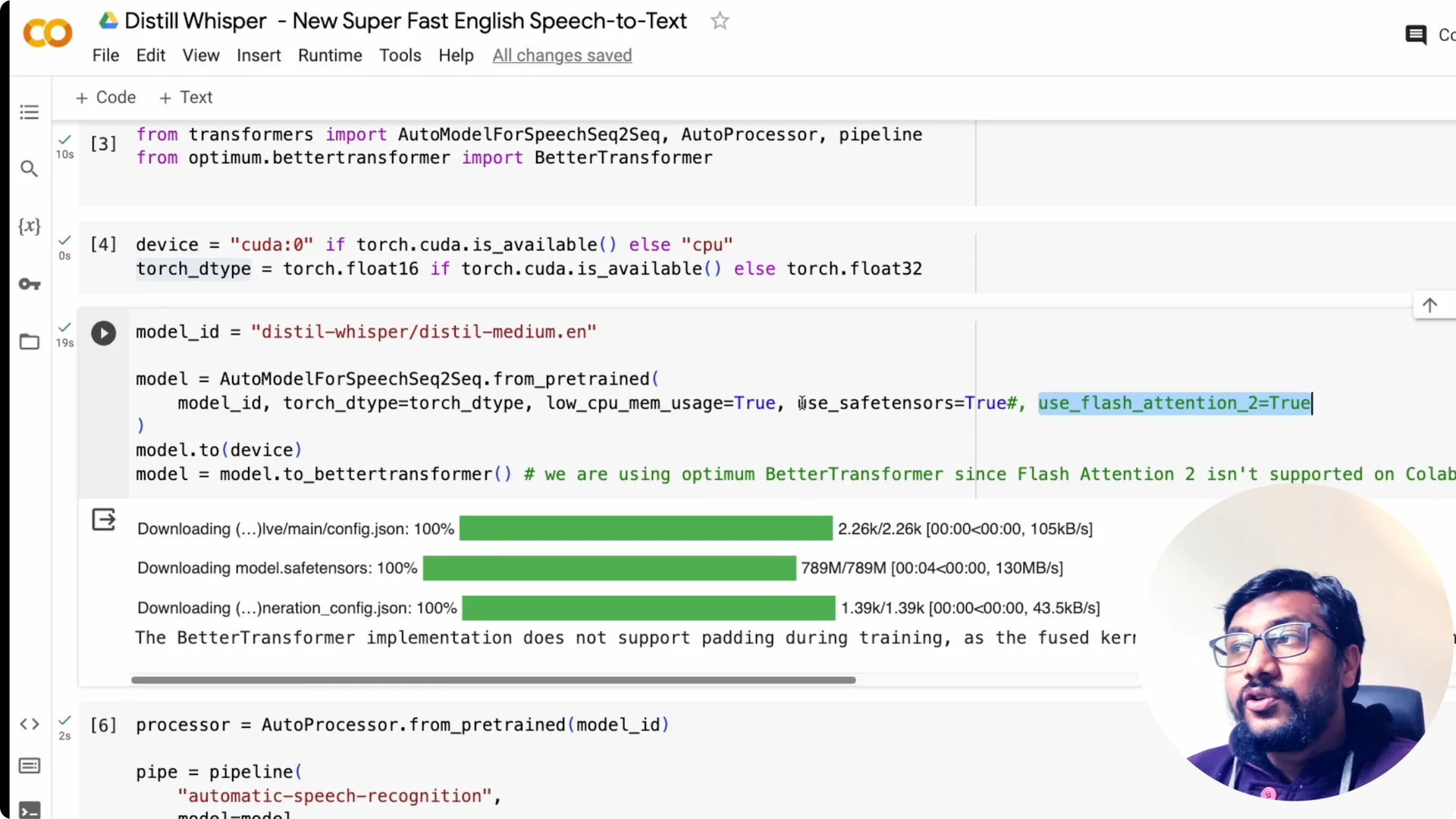
Import torch and from transformers import AutoModelForSpeechSeq2Seq, AutoProcessor, and pipeline. You can also import BetterTransformer from optimum.beta to convert the model. Specify whether you have a GPU and move the model to it for best results.
I run this on a T4 GPU on Google Colab. If a GPU is not available it will take CPU, but this is not optimized for CPU and will be slow. Specify the torch dtype based on your machine to save memory and improve speed.
Pick the model you want, for example the medium English model, and start downloading it. If you have FlashAttention 2 support, set use_flash_attention_2 to true. Set low_cpu_mem_usage to true and use_safetensors so it loads the safetensors file.
Convert to BetterTransformer
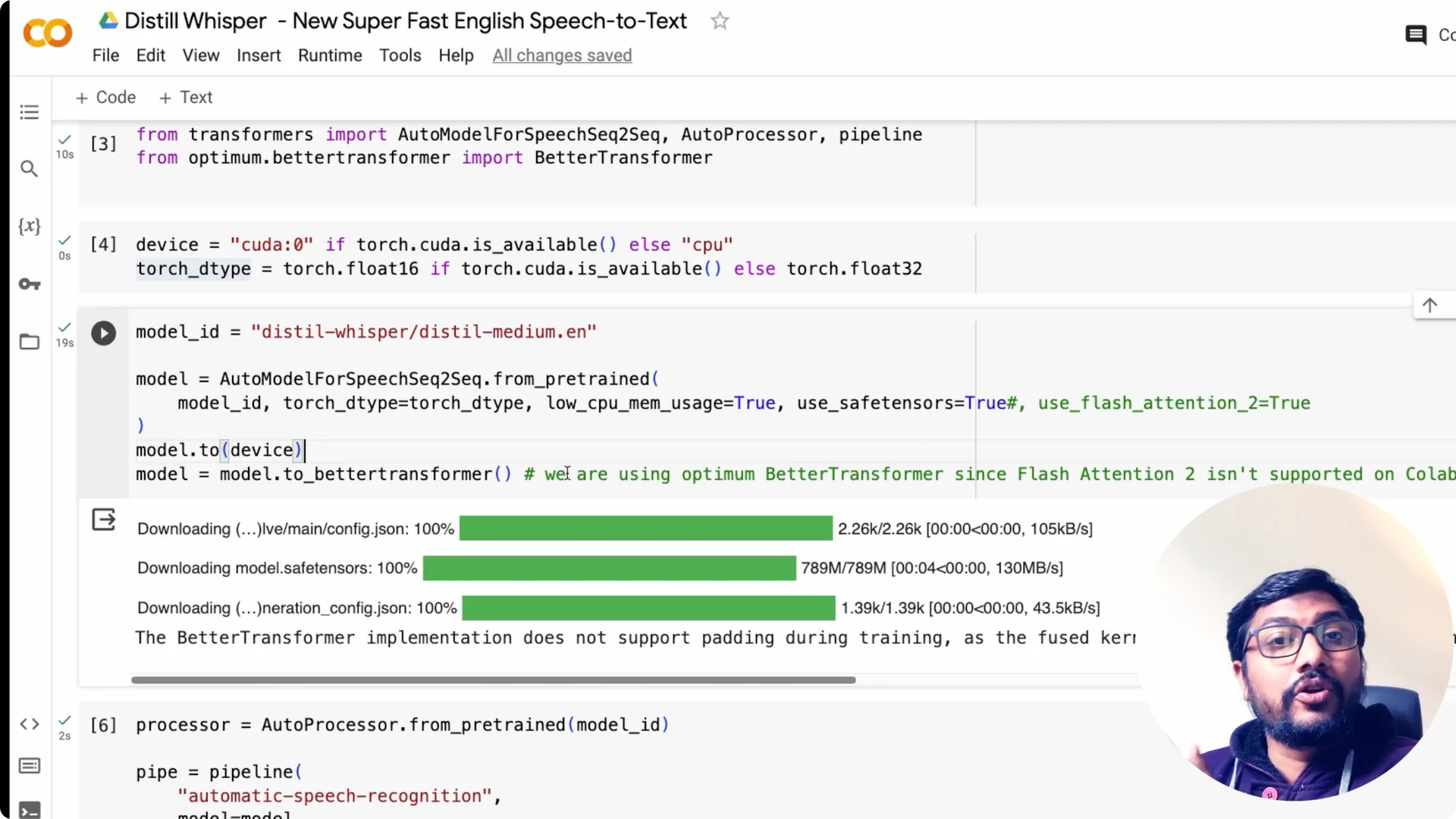
After the model is loaded, move it to GPU first. Then convert the model to an Optimum BetterTransformer model. This gives you a faster encoder-decoder stack with minimal code changes.
Create the pipeline
Load the processor with AutoProcessor.from_pretrained and give it the model ID. Create the automatic speech recognition pipeline and pass the model and tokenizer from the processor. The chunk_length parameter is very important for long-form transcription.
Chunk length tells the pipeline how to split long audio and process it sequentially. Even if you have a 1-hour clip, chunking lets it transcribe the whole file. That is how you get stable memory usage and reliable timestamps over long audio.
Transcribe audio
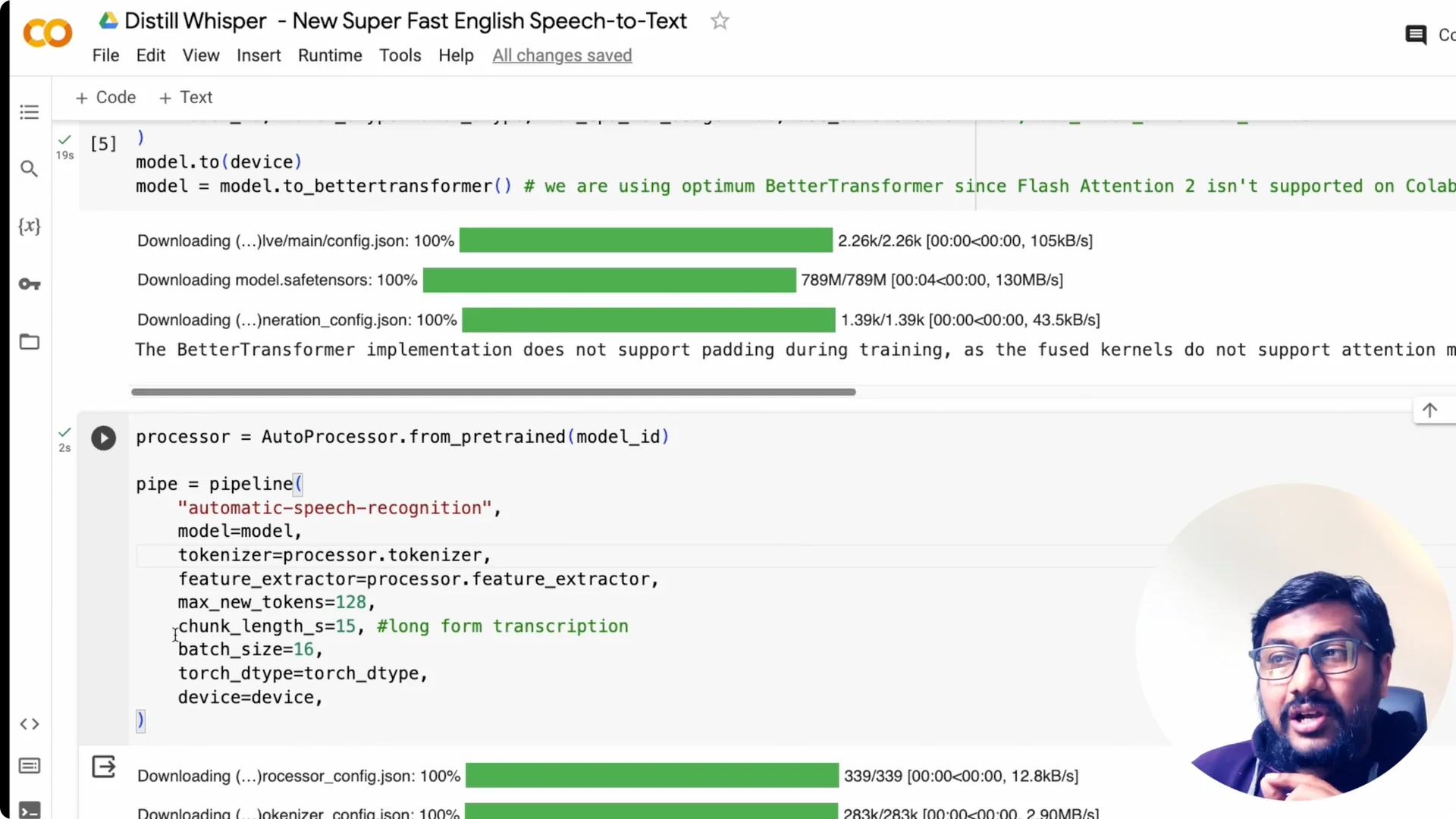
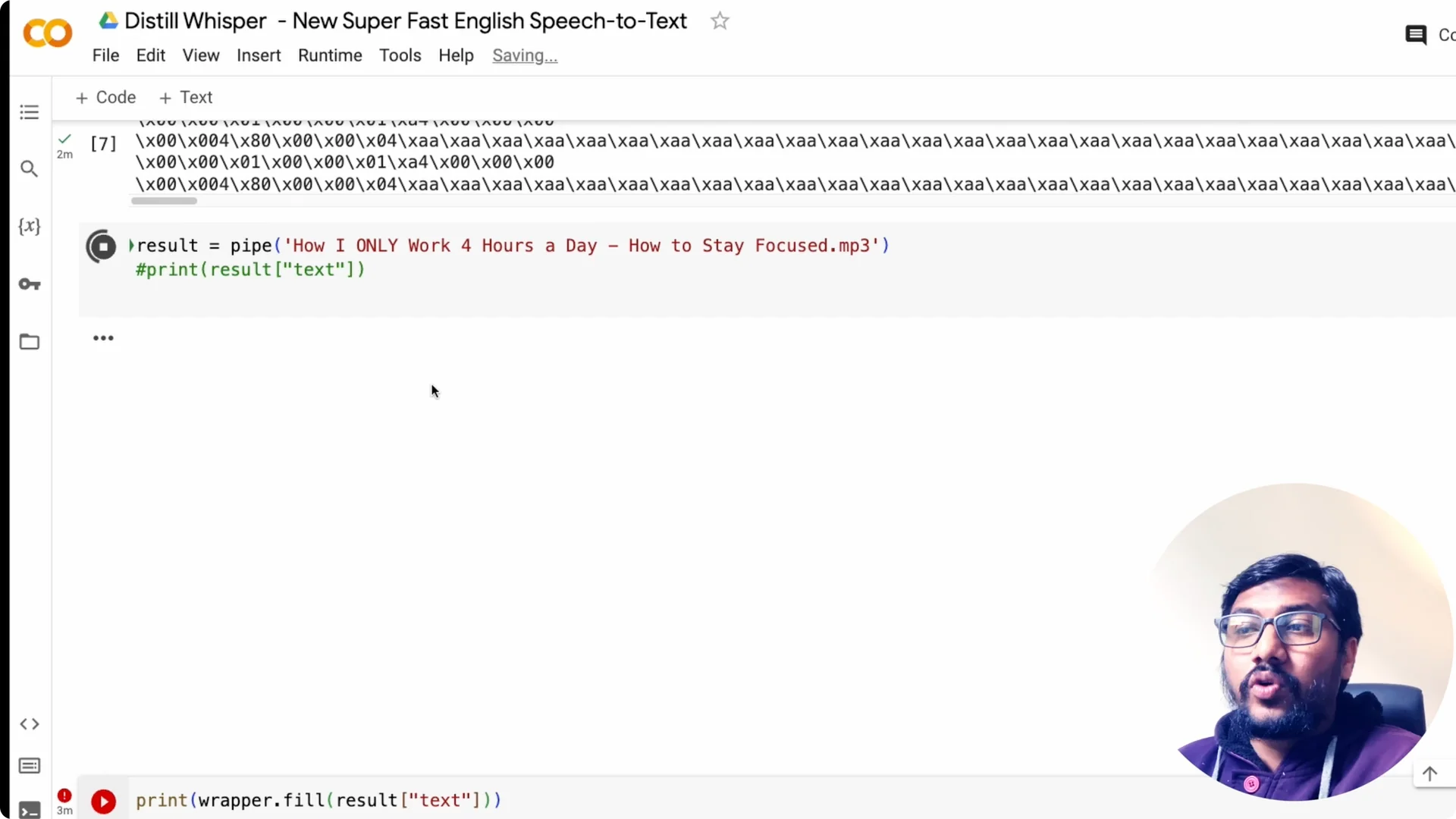
Upload or point to your audio file path. Pass the file to the pipeline and collect the result. You can then print the final text once it finishes.
Long-form Transcription with Distil-Whisper Speech Recognition
I took a 5-minute audio clip of mine and it took about 8 seconds to transcribe. The transcript started with a line about a bunch of news to cover and it captured the context accurately. That shows you the speed jump you can expect.
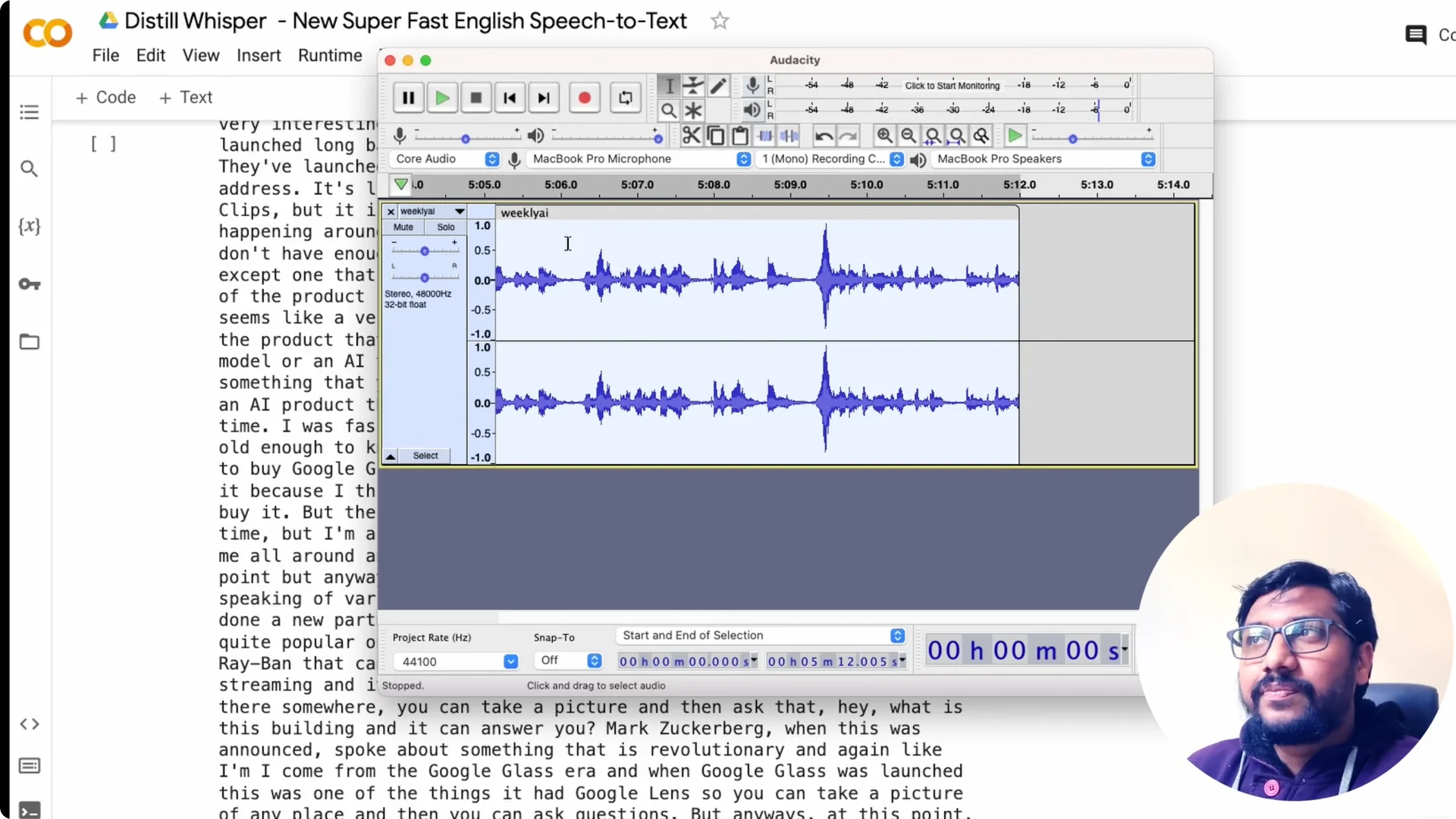
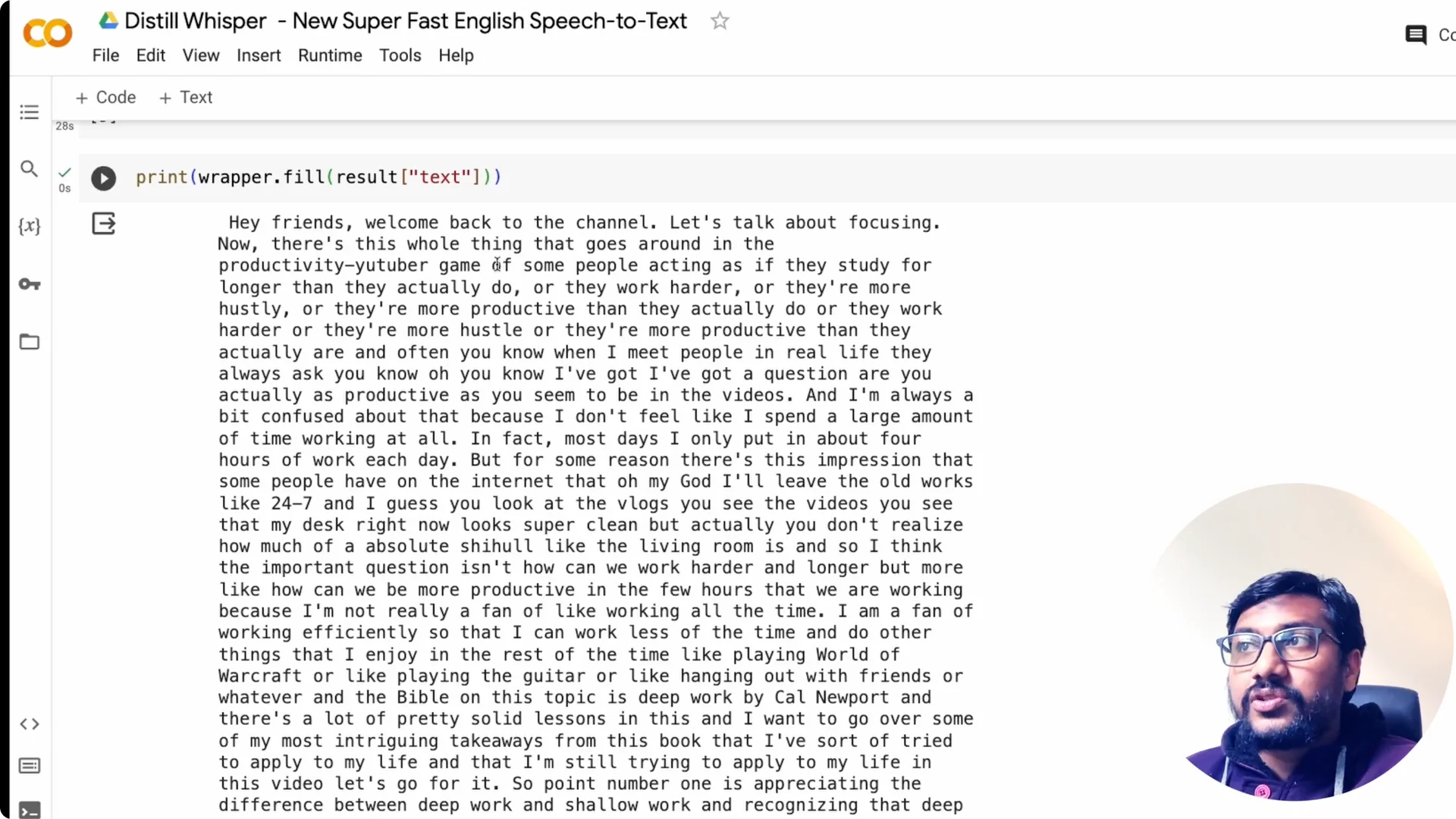
I tried a 9 minute 29 seconds MP3 from a talk and it completed in 28 seconds. The text began with “Hey friends welcome back to the channel let’s talk about focusing,” and it captured the entire content. For a 10-minute clip in under half a minute, that is quite fast.
This currently works only with English. If you were using Whisper for a different language, this is not a good solution for that right now. I guess they will probably expand to other languages in the future.
Performance Notes
You can do this on the free Google Colab tier. On Colab you will download the model each session, so there is some one-time overhead. If you have your own GPU box, you avoid repeated downloads and setup.
If your GPU supports FlashAttention 2, enable it to shave off more time. BetterTransformer via Optimum also adds a nice boost. According to the team, a CPU-optimized Distil-Whisper is coming, which will help non-GPU users.
If you need the reverse direction for projects that speak back to users, check out this open stack for voice synthesis: free open source AI text to speech options. That pairs well with a Whisper pipeline for full speech I/O. You can stitch ASR and TTS into one application loop.
Short-form and Speculative Decoding with Distil-Whisper Speech Recognition
For short-form audio you can run the pipeline without chunking. The overhead is minimal and you get very fast turnaround for quick clips. This is handy for commands, meetings highlights, or short memos.
For speculative decoding with the original Whisper, Distil-Whisper can act as the assistant model. The idea is to propose tokens quickly with the distilled model and verify with the base model. You can adapt the same pipeline code to set this up and measure throughput.
Resources
Project repository with docs and examples is here: Distil-Whisper on GitHub. You can track updates and implementation details. It is the best place to check configuration flags and supported variants.
The distilled medium English checkpoint is here: distil-medium.en on Hugging Face. Files and versions include safetensors and regular PyTorch weights. Pick the one that fits your runtime.
Final Thoughts
This is a version of Whisper that does speech to text using a distilled model on GPU. I have seen approximately a 10-minute clip take 28 seconds and a 5-minute clip take 8 seconds. For English ASR with tight budgets, Distil-Whisper is an easy win.