The best speech to text in Python in 2026 is OpenAI Whisper. In less than three lines of Python, you can run a state of the art deep learning model for automatic speech recognition.
Here is how I set it up, picked models, and compared results on real audio.
Set up OpenAI Whisper Speech Recognition
Use GPU in Colab
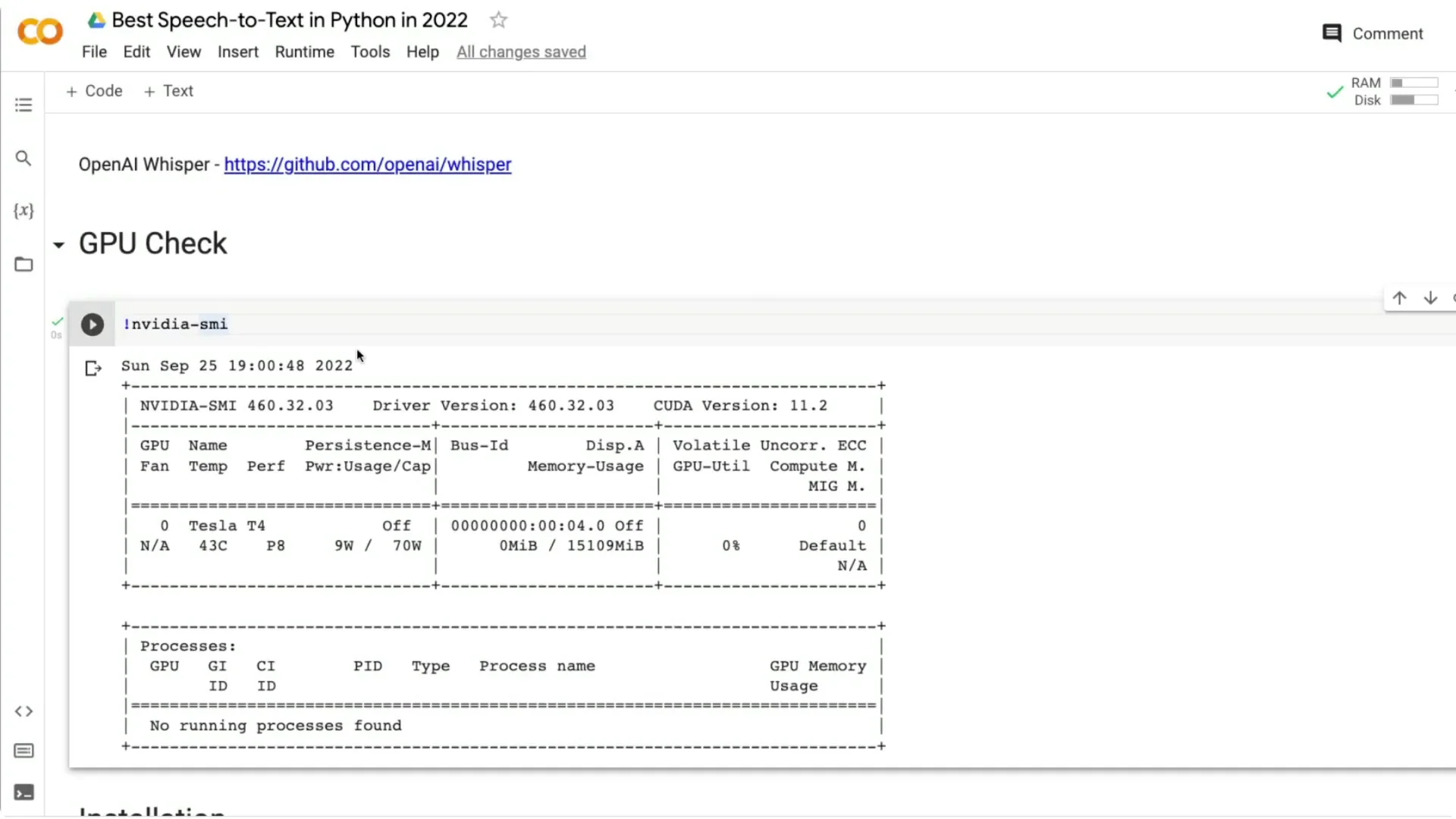
If you are creating your own Google Colab notebook, make sure it runs on GPU. Click Runtime, then Change runtime type, and select GPU as the hardware accelerator. You can also confirm the GPU with:
“`bash
!nvidia-smi
“`
I got a Tesla T4 with 16 GB RAM, which is common on Colab.
Install the library
Install Whisper directly from the GitHub repository. I install it in quiet mode:
“`bash
pip install -q git+https://github.com/openai/whisper.git
“`
Load OpenAI Whisper Speech Recognition
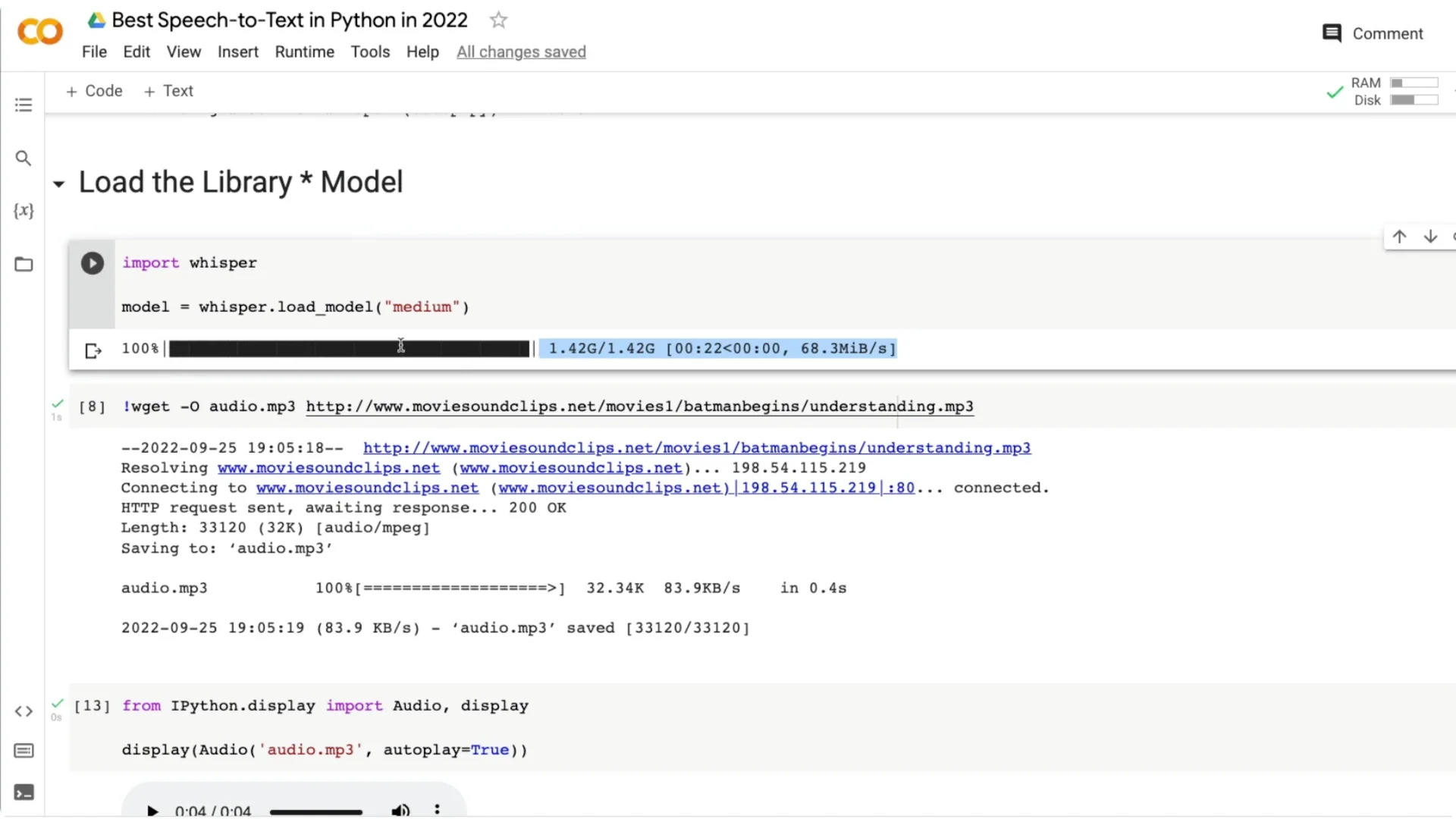
Once the library is installed, import and load a model. I use the medium model here:
“`python
import whisper
model = whisper.load_model(“medium”)
“`
The model will download on first use. After download, the session is ready for transcription.
Choose a model in OpenAI Whisper Speech Recognition
Whisper provides five model sizes: tiny, base, small, medium, and large. Each one differs in parameter count and accuracy: tiny (39M), base (74M), small (244M), medium (769M), and large (1.5B). Pick based on your trade-off between speed and accuracy.
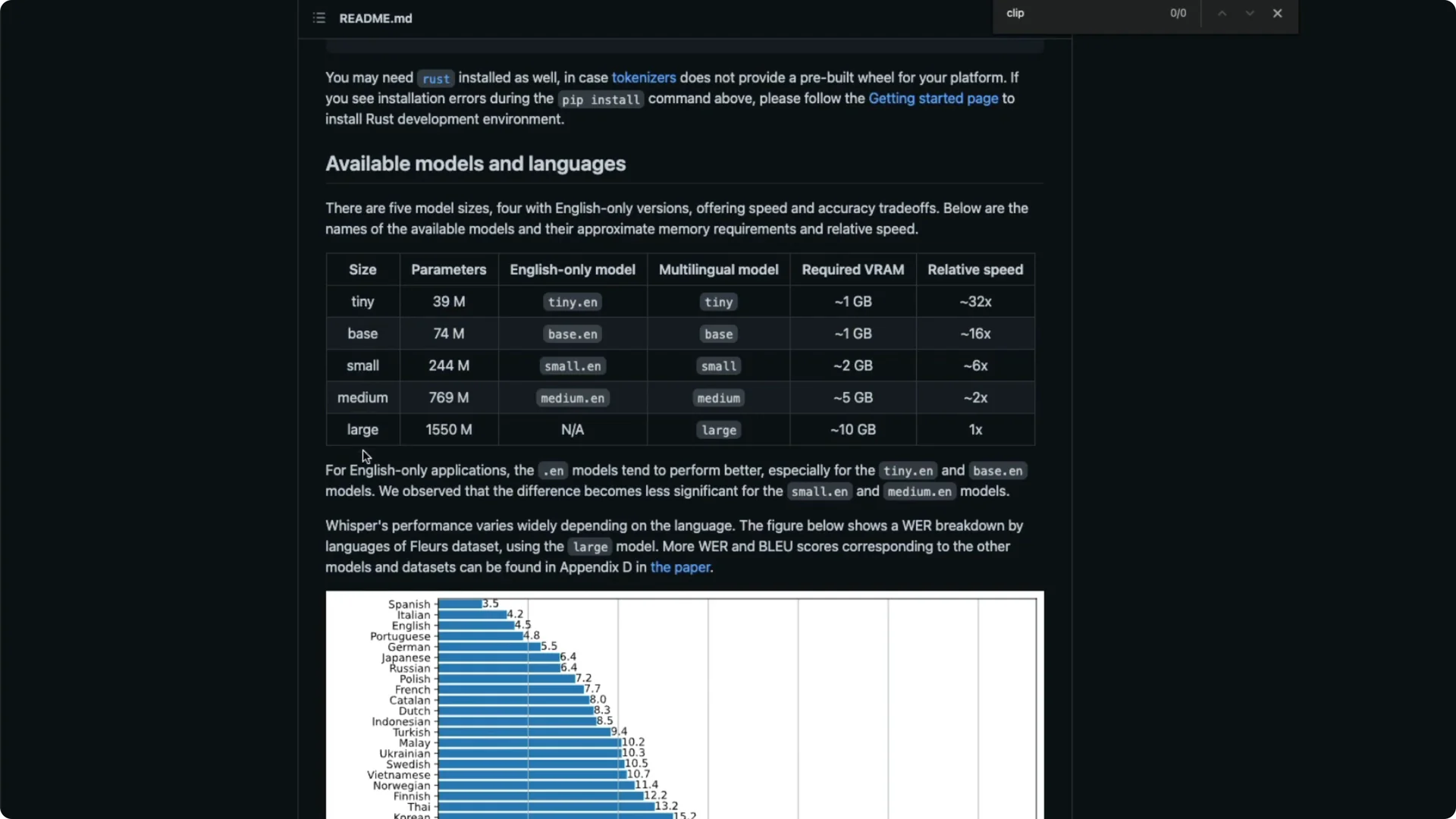
There are English-only variants like tiny.en and multilingual variants like tiny. If you want multilingual transcription, pick one of the non-.en models. For a quick overview of multilingual capabilities, see this multilingual guide.
VRAM needs vary by size, roughly ~1 GB for tiny, ~5 GB for medium, and up to ~10 GB for large. Speed also varies a lot compared to large: tiny can be many times faster in inference. Look at word error rate (WER) for your target language and decide based on your accuracy needs.
I pick the medium model for English, which is a 769M parameter model. If you want to load a different size, change the name, for example “tiny” or “base”. After the first load, the model file remains in the session.
Get audio for testing
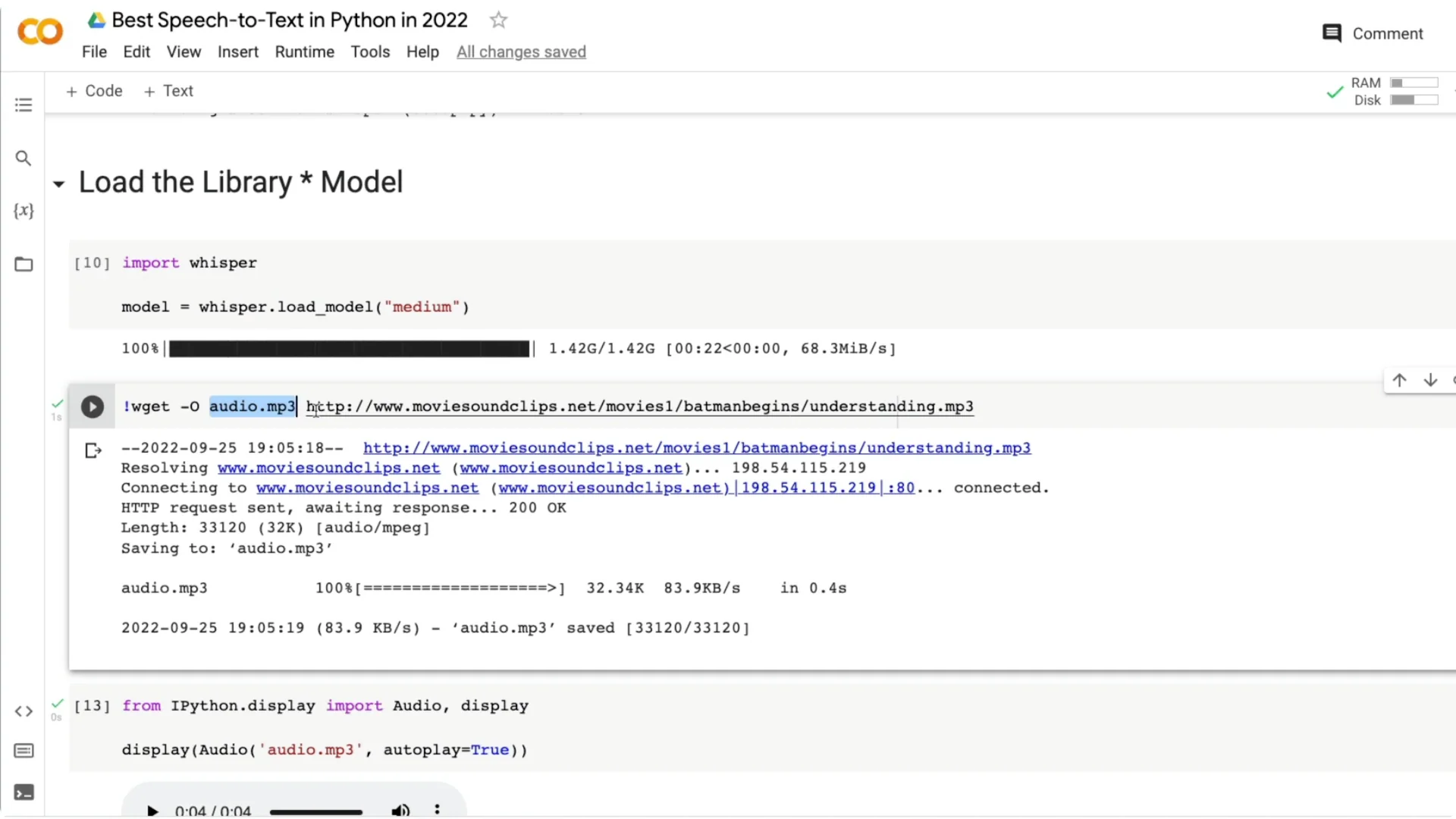
I downloaded a short audio line from Batman Begins by Christopher Nolan. The line is “Criminals thrive on the Indulgence of society’s understanding.” Save any URL as audio.mp3 with:
“`bash
wget -O audio.mp3 “YOUR_AUDIO_URL”
“`
You should see the audio file appear in your Colab files.
Transcribe with OpenAI Whisper Speech Recognition
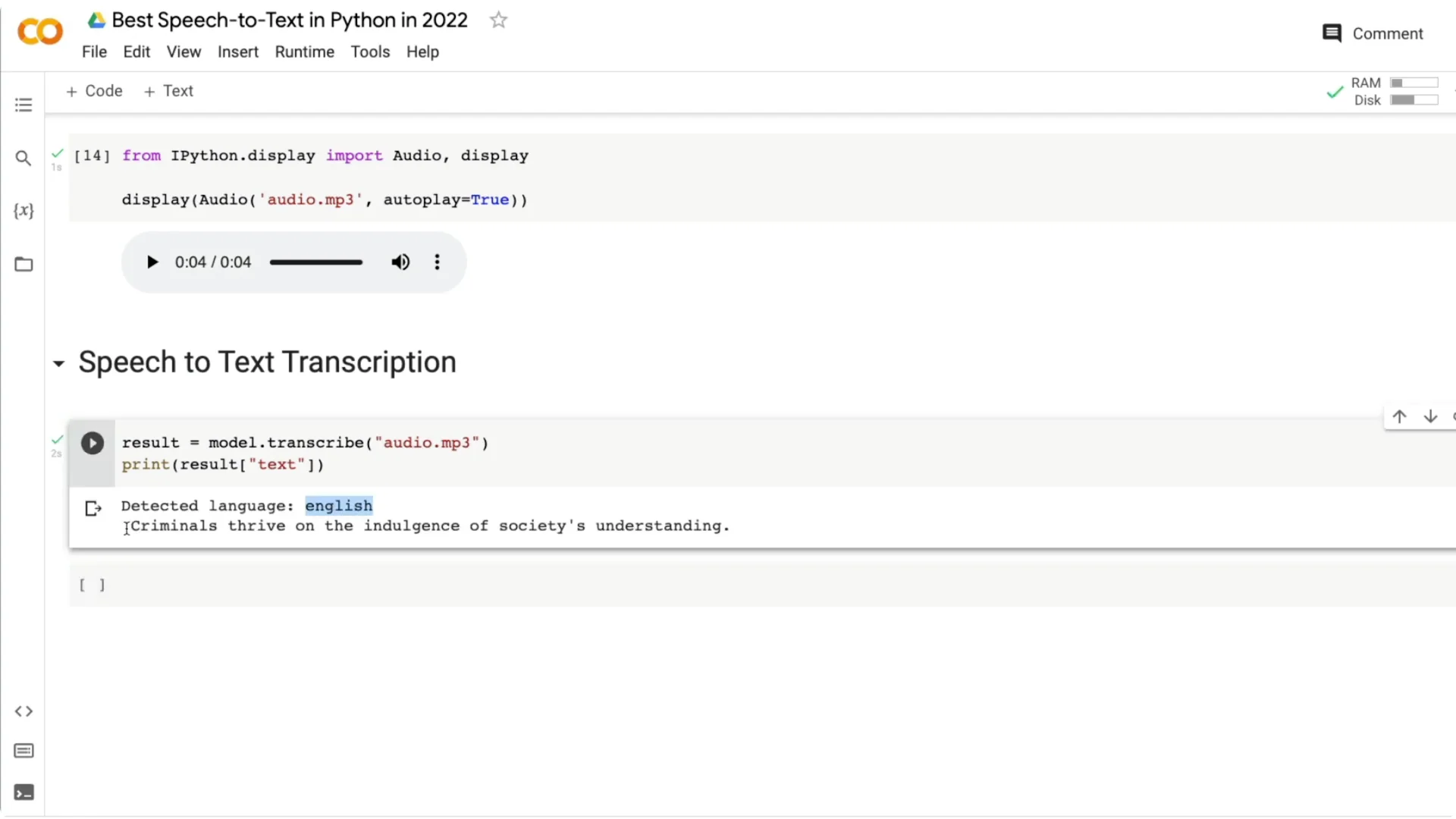
Run transcription on the audio file and print language and text:
“`python
result = model.transcribe(“audio.mp3”)
print(result[“language”])
print(result[“text”])
“`
The output I got: English, “Criminals thrive on the Indulgence of society’s understanding.”
Compare model sizes on the same audio
Medium vs tiny: example 1
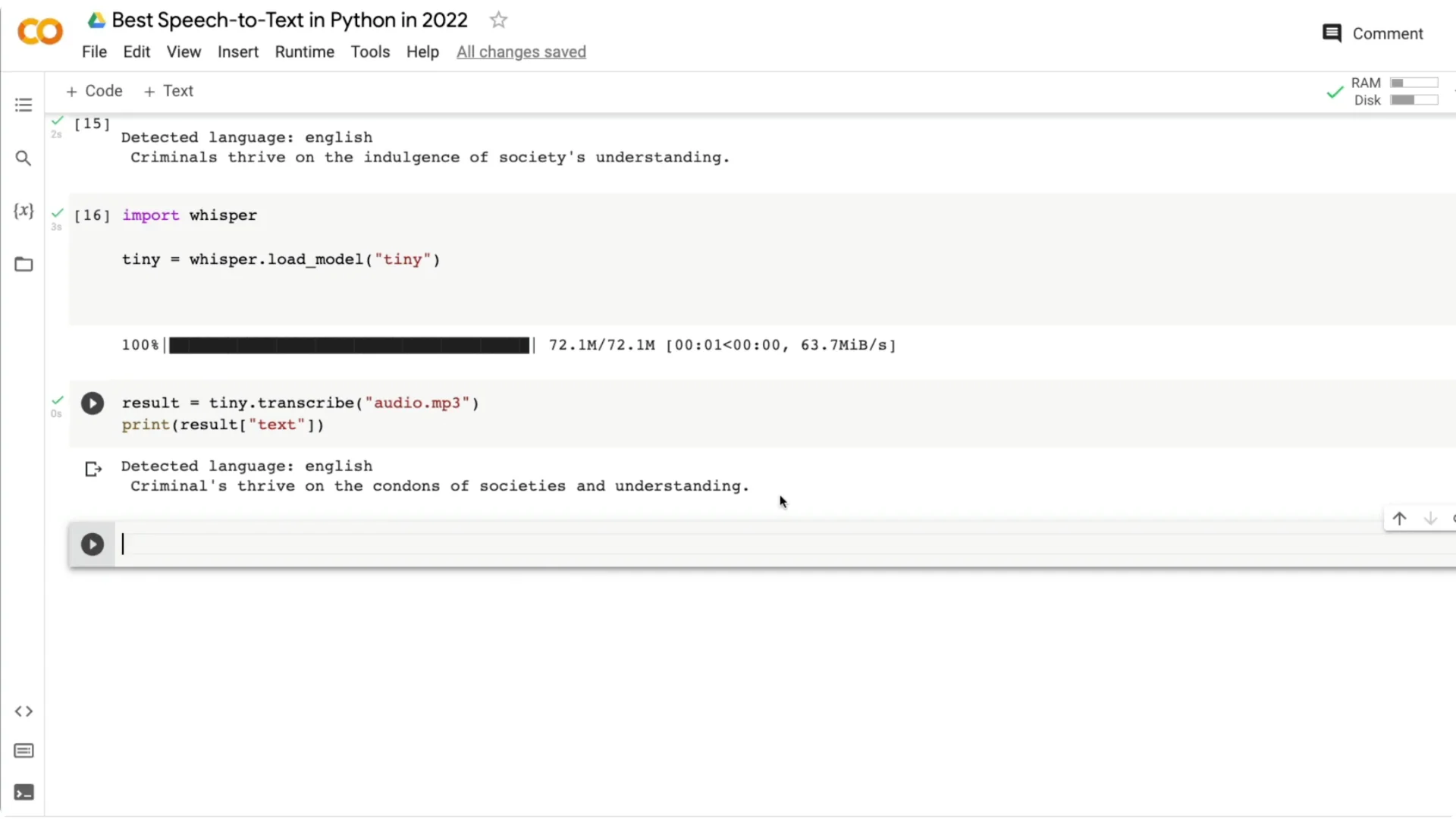
I ran the same clip with the tiny model:
“`python
tiny = whisper.load_model(“tiny”)
result_tiny = tiny.transcribe(“audio.mp3”)
print(result_tiny[“text”])
“`
Tiny returned “criminals thrive on the contents of society’s understanding,” confusing “Indulgence” with “contents” and adding an apostrophe. You can see how smaller models can struggle on tricky words or drops in volume.
Medium vs tiny: example 2
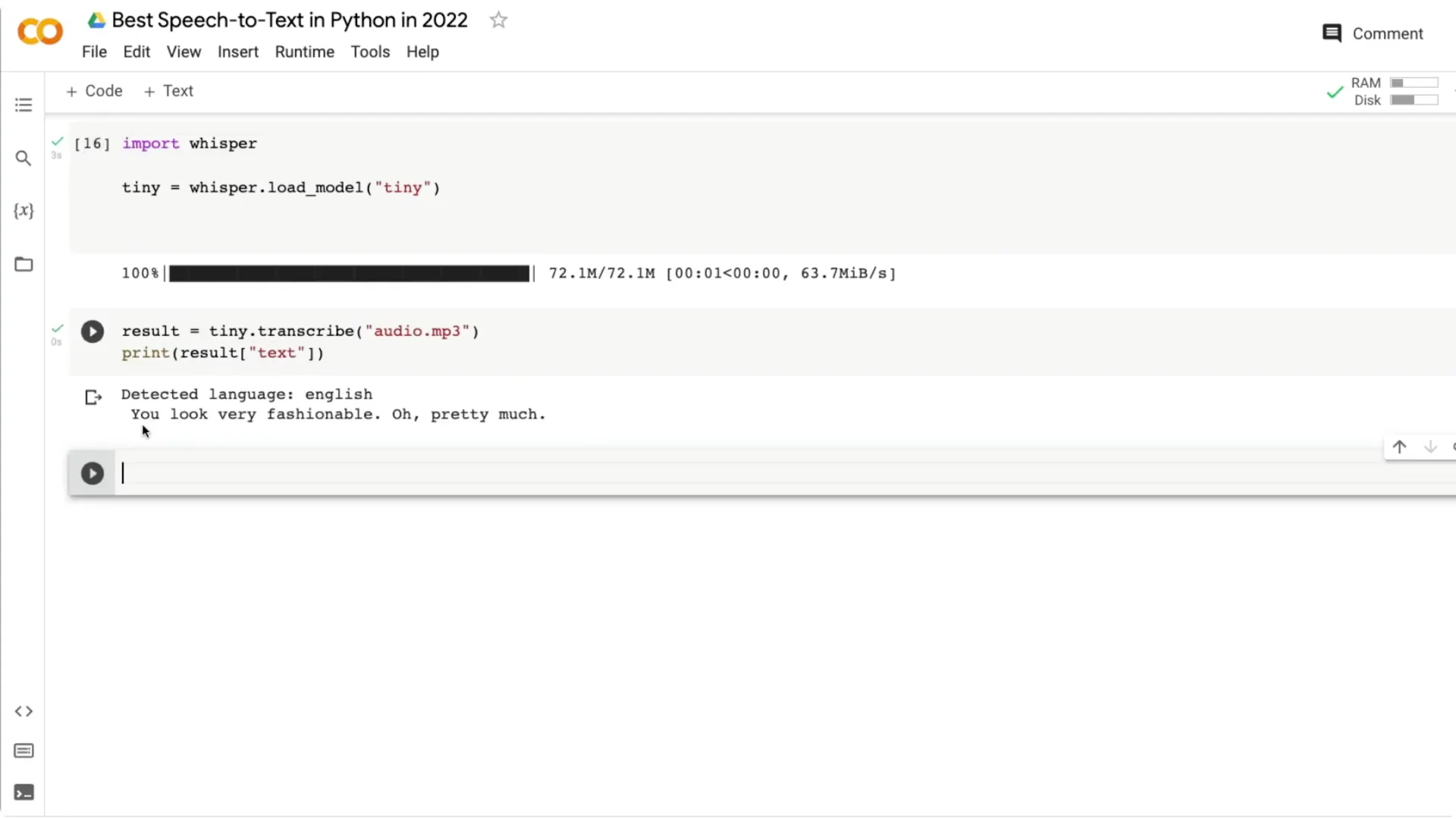
Another clip: “You look very fashionable apart from the mud.” The medium model gave “You look very fashionable apart from the man,” missing the last letter in “mud.” The tiny model output “You look very fashionable or pretty much,” which drifted more from the actual line.
Medium vs tiny: example 3
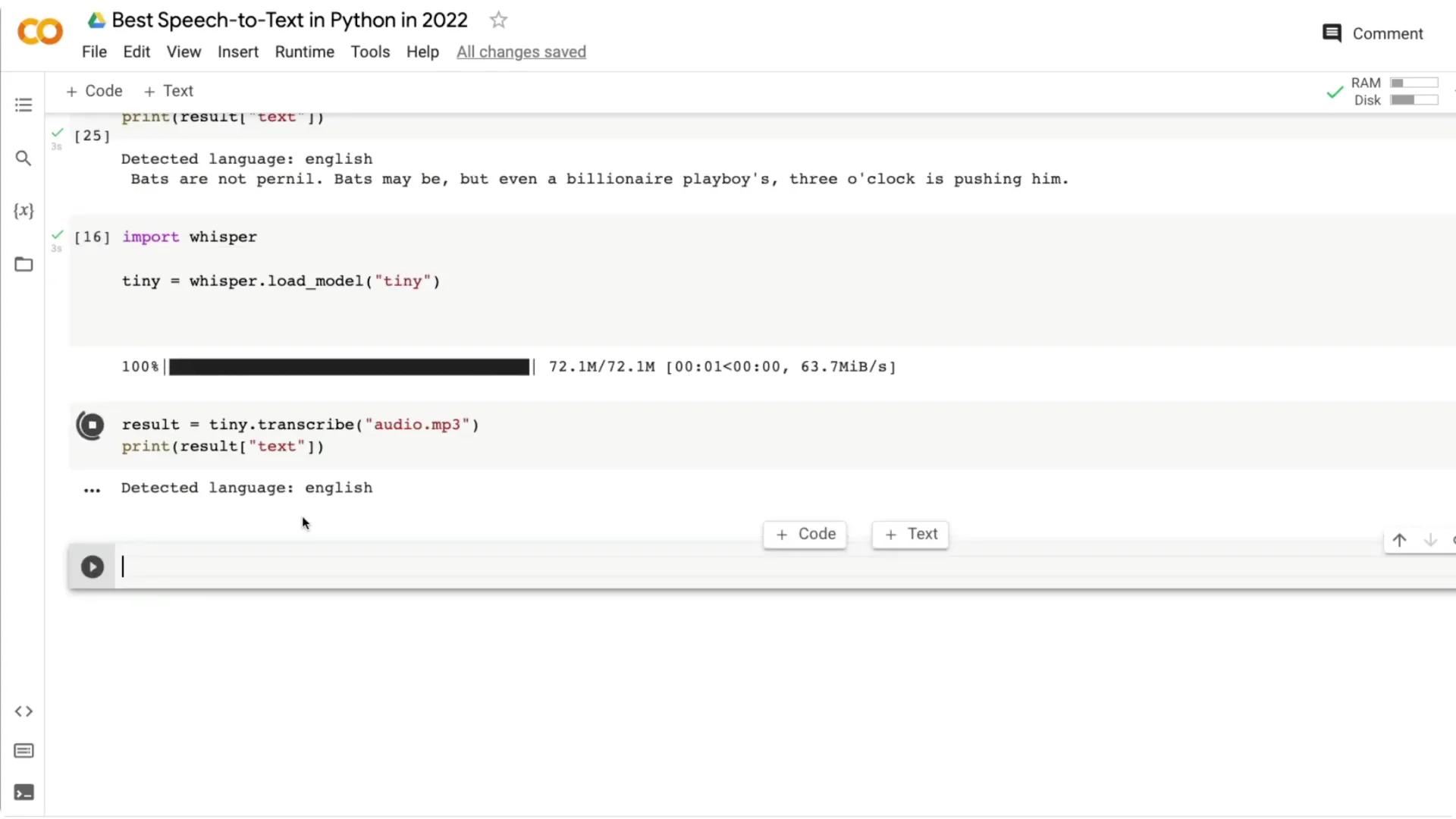
A third clip: “Bats are nocturnal. Bats might be, but even for billionaire playboys three o’clock is pushing it.” The medium model returned something closer to the original but still had small mistakes. The tiny model output was further off, like “that’s your not Journal…,” showing bigger errors on the same audio.
Three-line quickstart with OpenAI Whisper Speech Recognition
You can get a basic transcription in three lines of Python:
“`python
import whisper
model = whisper.load_model(“medium”)
print(model.transcribe(“audio.mp3”)[“text”])
“`
That’s enough to run a solid speech to text project in Python.
Notes on accuracy, accents, and use cases
The main decision is the trade-off between model size, inference speed, and error rate. Even the medium model performs really well across accents. I have seen strong results for US, UK, and Indian English, where some assistants often struggle.
If you need real-time experiences, consider building a streaming front end; a simple reference is this streaming app. If your project also needs text to speech, pair Whisper with a TTS service like ElevenLabs for voice output.
Resources
Code: GitHub repo
Final thoughts
OpenAI Whisper makes high quality speech to text accessible with minimal code. Pick a model based on your speed and accuracy needs, test on your target accent or language, and iterate. Even the medium model can do a great job across accents, and the setup is straightforward for Python projects.