You can do speech transcription the same way you do NLP with Hugging Face Transformers. The latest update adds the very popular Facebook Wav2Vec2 model. The API lets you give an audio file and get an English transcription out of it.
As far as I know, this model works fine for English.
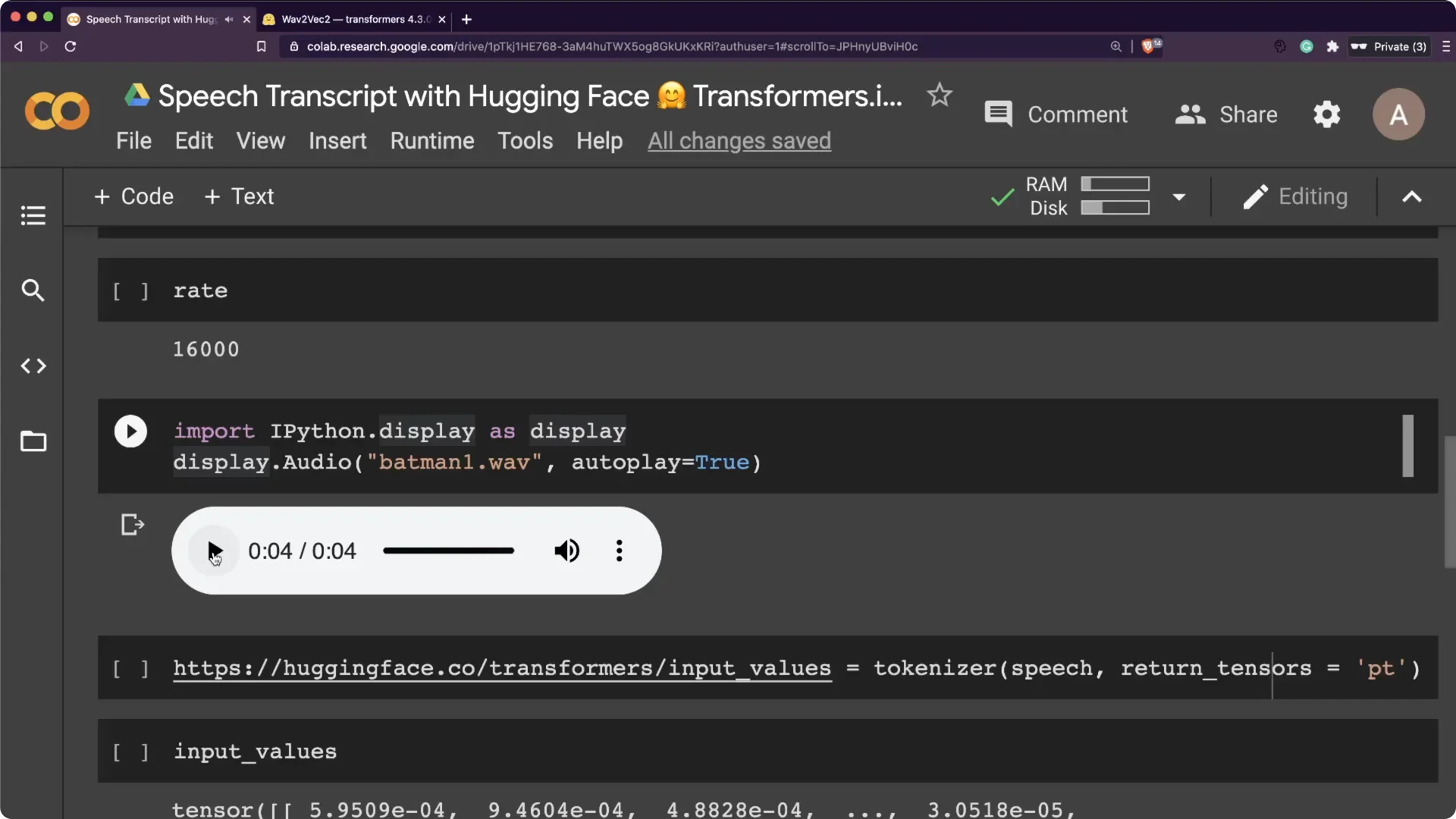
I ran it on CPU to show you the speed without switching on a GPU. For the recording, I used the famous Dark Knight line: “You either die a hero or you live long enough to see yourself become the villain.”
If you want to see this run live in a browser app, check out a simple real-time app built around Hugging Face.
Setup for Hugging Face Wav2Vec2 Transcription
You need the Transformers library. I also used librosa for audio handling and PyTorch for tensors. From Transformers, I used Wav2Vec2ForCTC and Wav2Vec2Tokenizer.
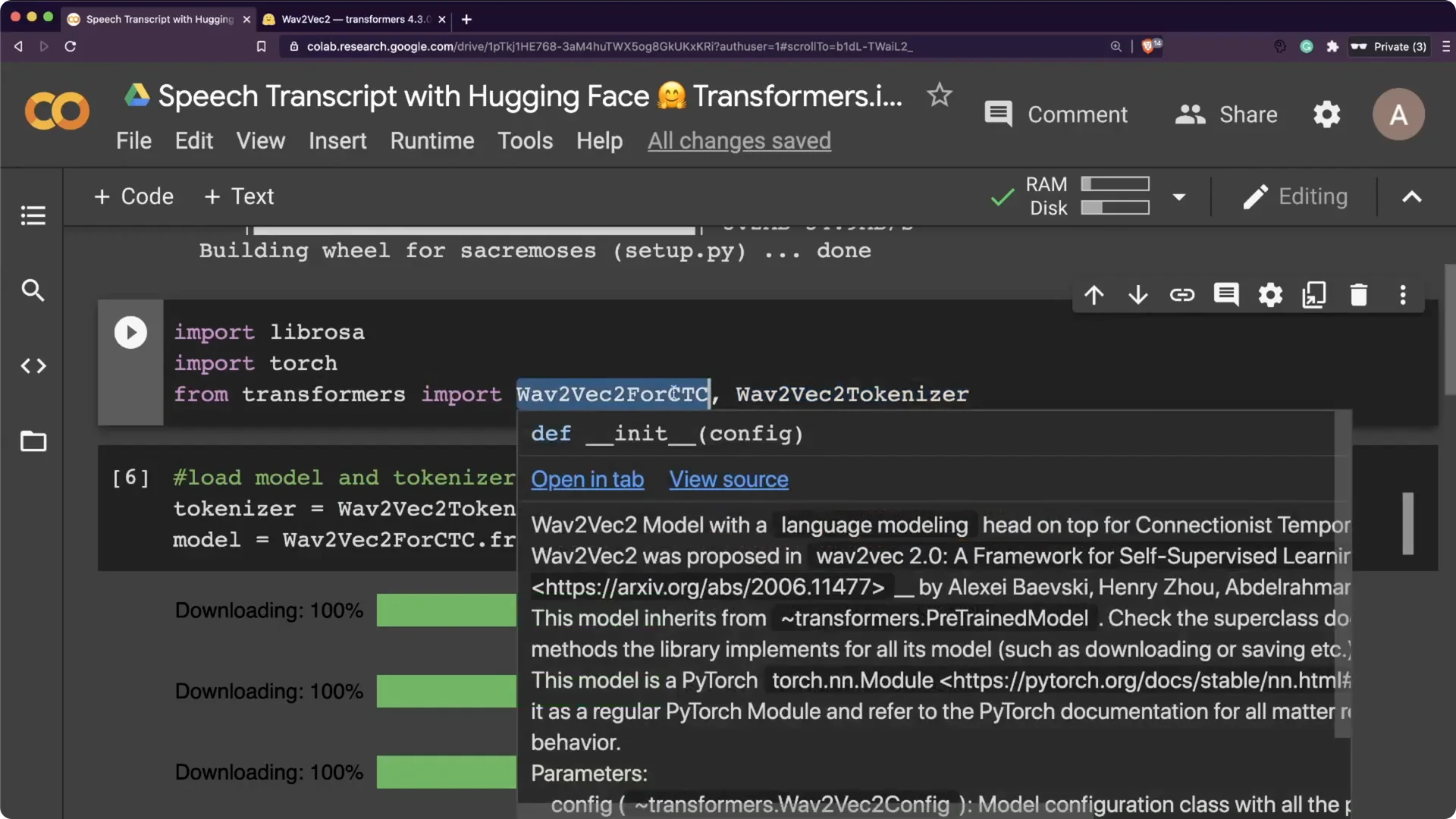
The Wav2Vec2 model was trained with CTC, so the model output has to be decoded with the tokenizer.
That is exactly how we will get text back from logits. It stays close to the standard Transformers workflow.
Step-by-step setup
Step 1. Install the Transformers library. I installed it first so the model and tokenizer are available.
Step 2. Import librosa and torch. Librosa helps read and resample audio, and torch holds tensors for the model forward pass.
Step 3. Import Wav2Vec2ForCTC and Wav2Vec2Tokenizer from transformers. Then download the pre-trained weights and tokenizer.
Preparing audio for Hugging Face Wav2Vec2 Transcription
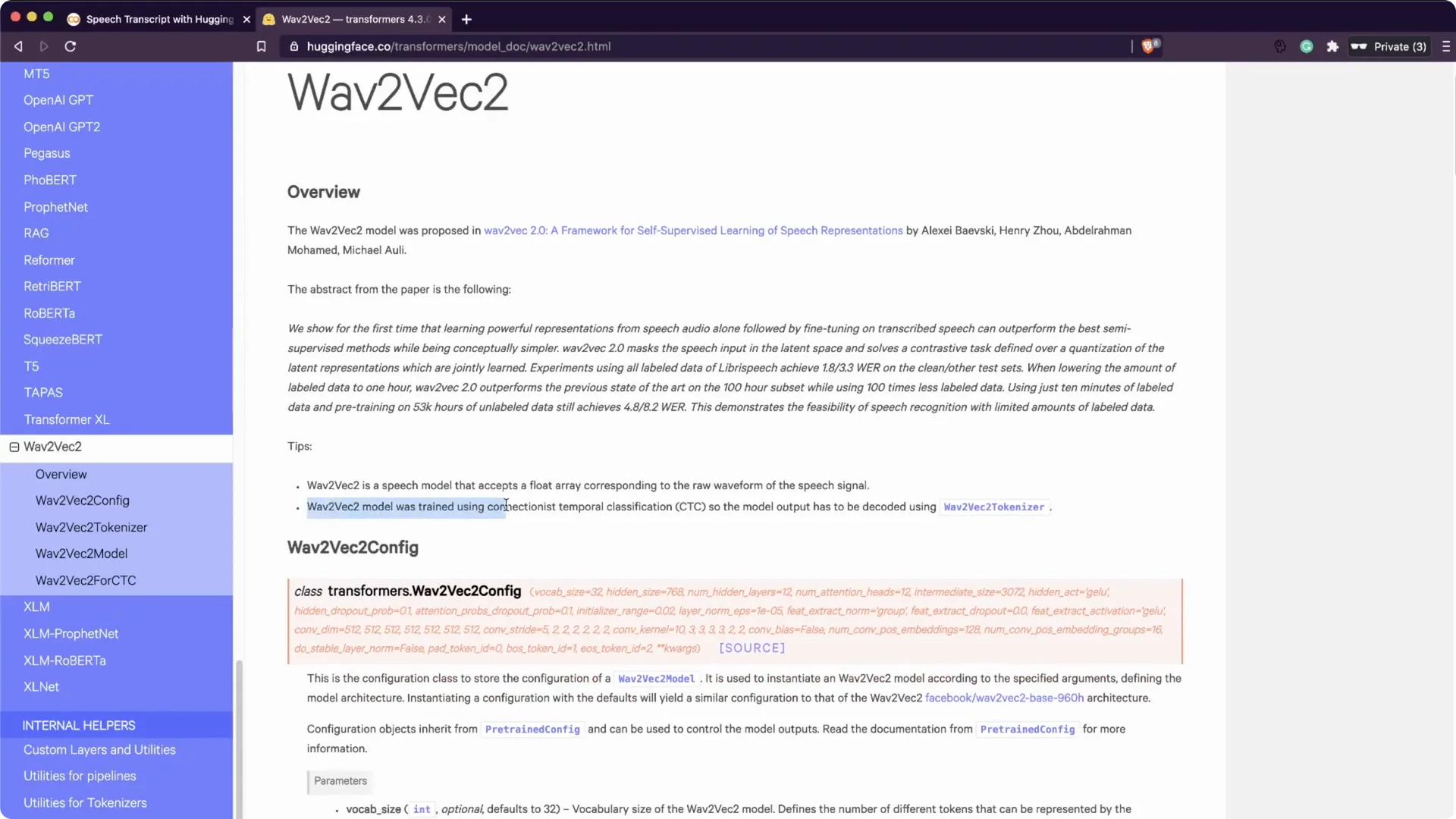
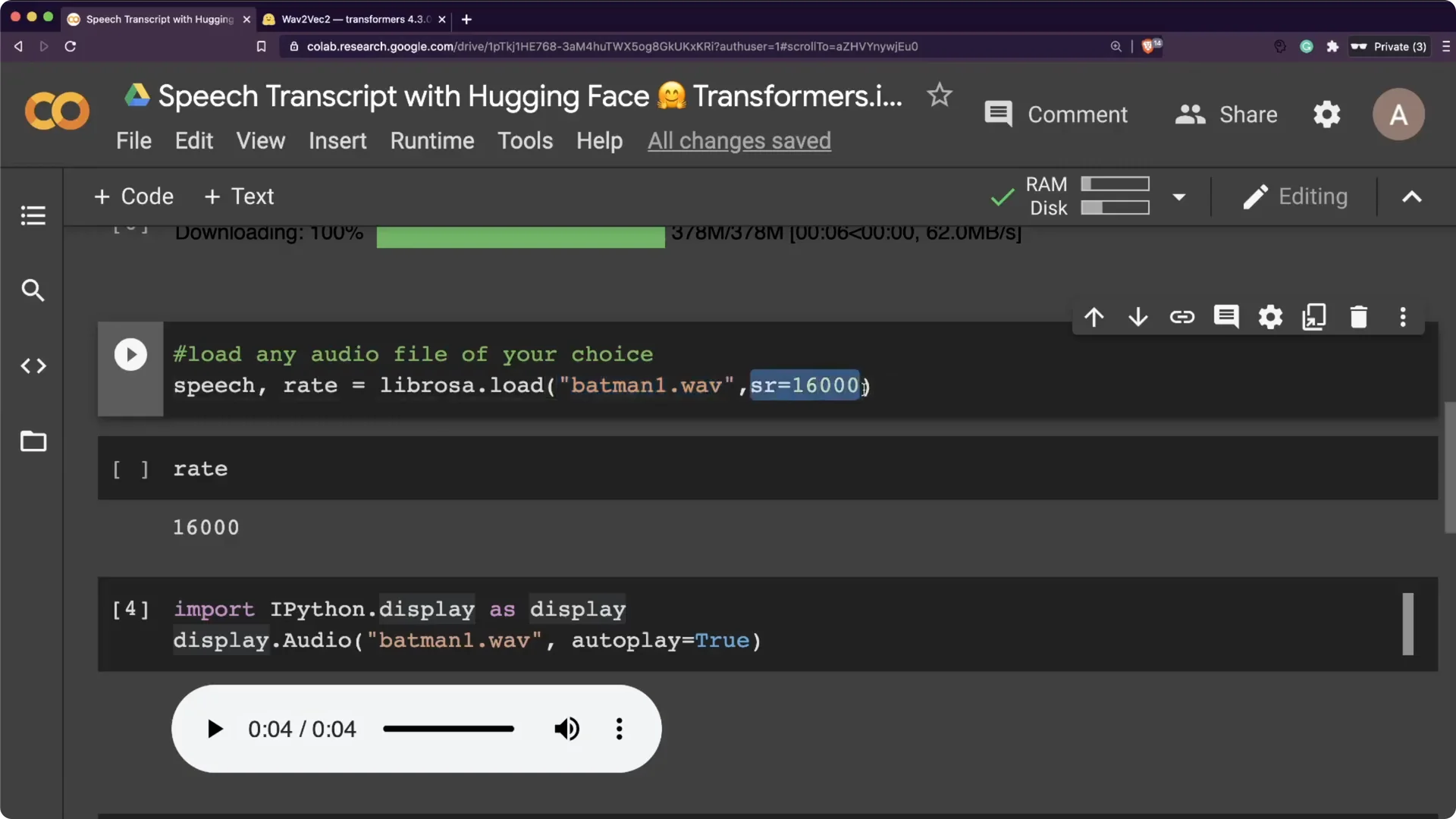
The pre-trained model here expects 16000 Hz audio. Your input file has to be sampled at 16000 Hz to avoid resampling overhead. I used Audacity to convert my file, but any tool that converts audio will do.
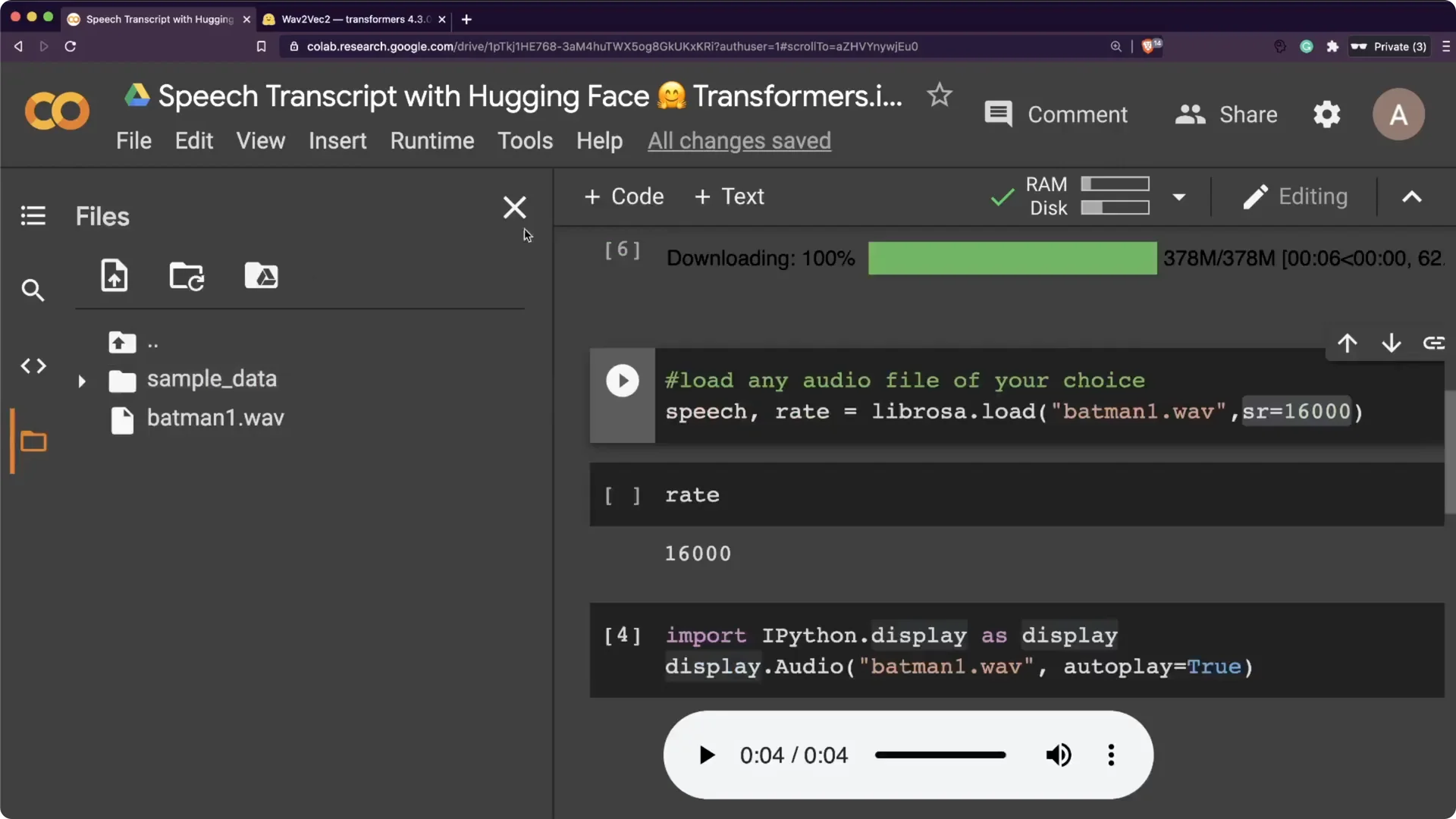
I then loaded the file using librosa.load with sr set to 16000. That gave me the speech array and the sampling rate.
The clip had a little background music, and I still went ahead with it.
If you want to pair transcriptions with voice synthesis, take a look at ElevenLabs for natural TTS.
Tokenization and decoding with Hugging Face Wav2Vec2 Transcription
I passed the audio array to the tokenizer with return_tensors set to “pt” for PyTorch. That produced the input values the model expects.
Then I ran a forward pass on the model to get logits.
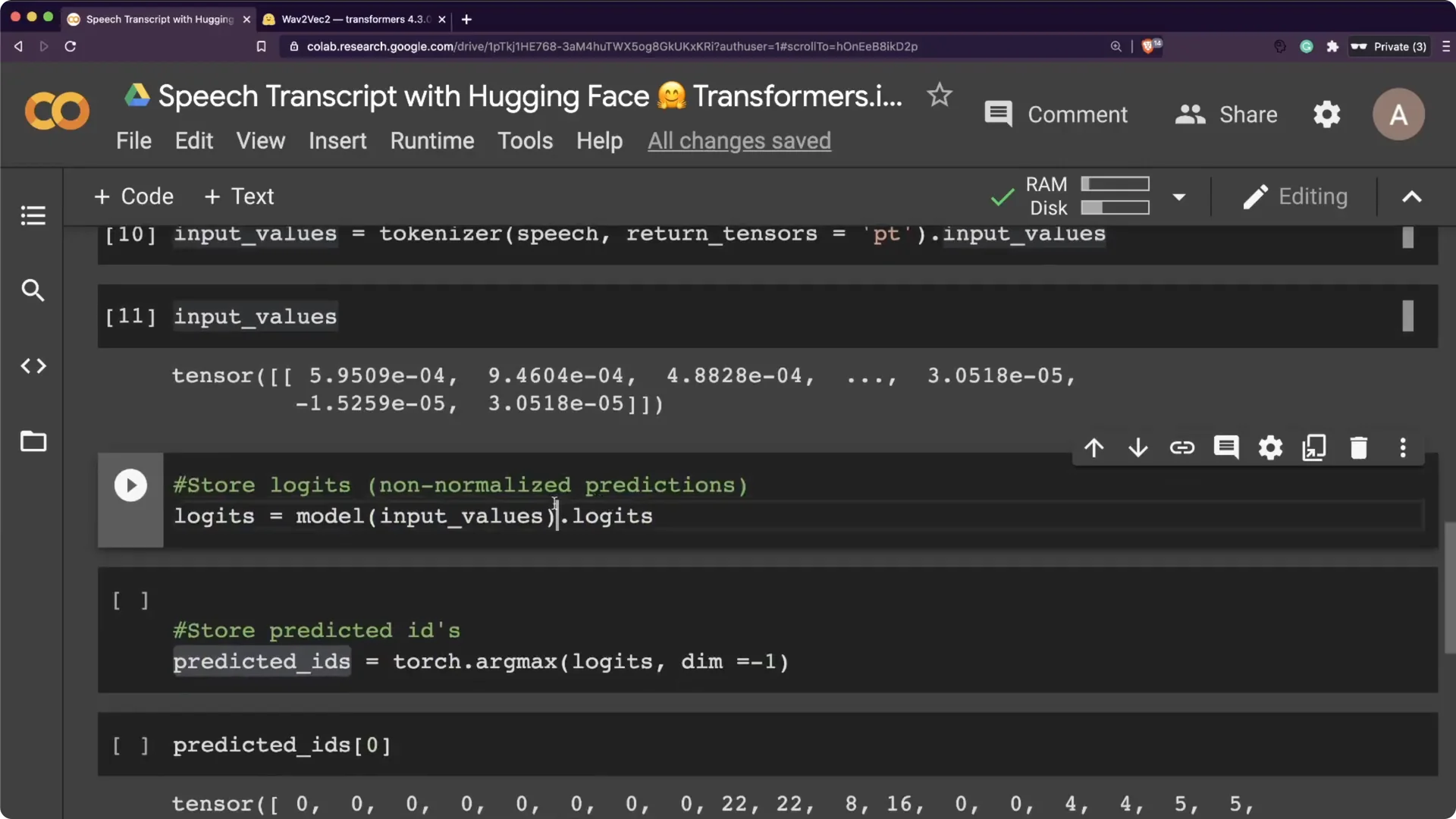
Logits are non-normalized predictions. You can push them through softmax to get probabilities, then take argmax to get predicted ids. Finally, pass predicted ids to tokenizer.decode to get the transcription.
Minimal code flow
Step 1. Load tokenizer and model. This is one quick cell to download and cache them.
Step 2. Read the 16 kHz audio file into a NumPy array. Keep it mono for consistency with the model.
Step 3. Tokenize with return_tensors=”pt”. Feed the input to the model and get logits.
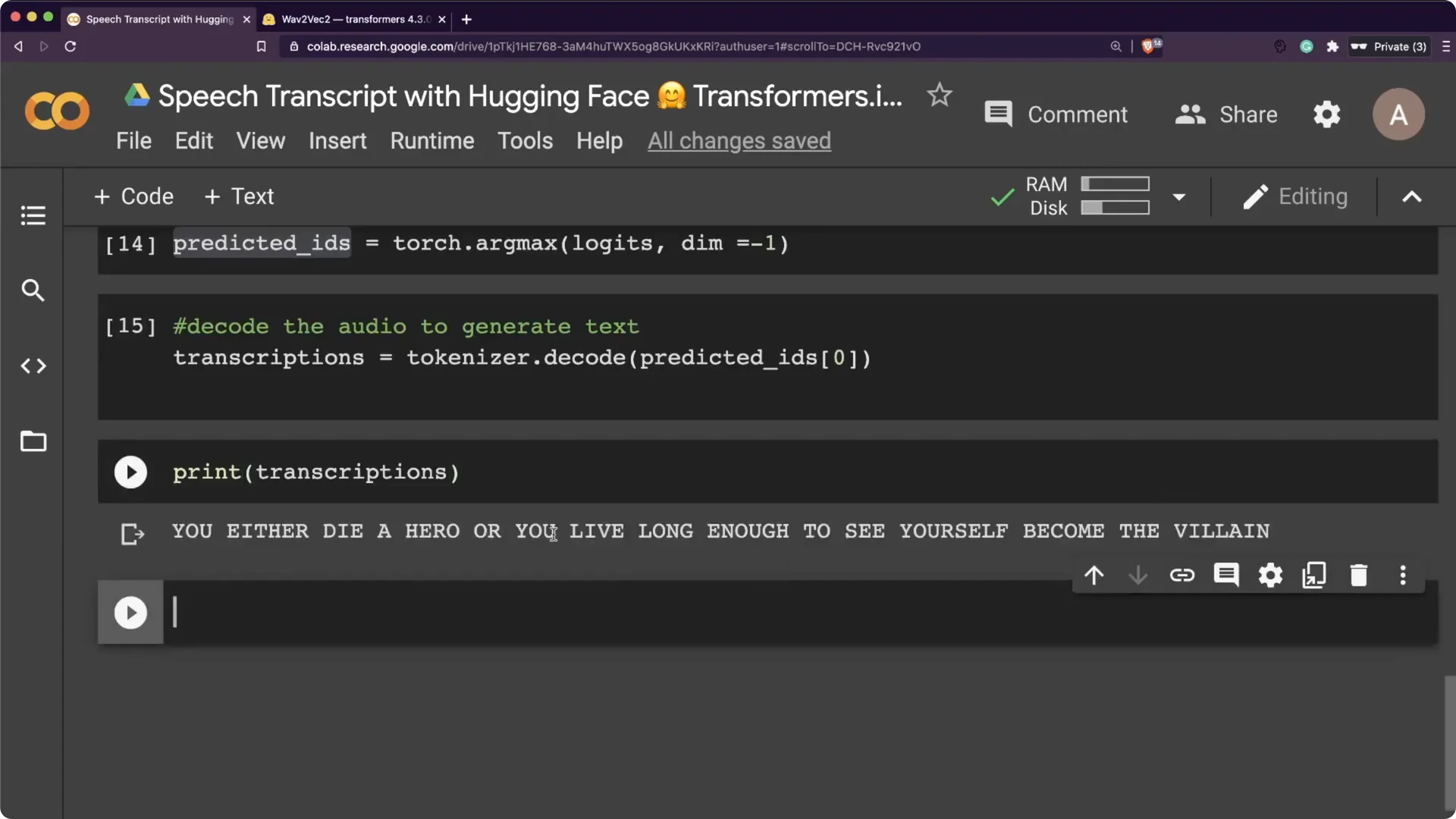
Step 4. Argmax the logits to ids and call tokenizer.decode. That gives you the final text string.
Results on the Batman quote with Hugging Face Wav2Vec2 Transcription
The output was: “You either die a hero or you live long enough to see yourself become the villain.” It matched the audio exactly. This makes the whole workflow very straightforward inside Transformers.
I basically had one cell for downloading the model and tokenizer.
Three lines to read the file and prepare tensors. In less than ten lines, I had a working English speech transcription using a pre-trained model on CPU.
Voice and accent notes for Hugging Face Wav2Vec2 Transcription
With the heavy Batman voice, it did not transcribe properly.
I switched to Harvey Dent’s voice, which is clearer, and it worked better. That small change had a noticeable effect on accuracy.
The web recorder needed microphone permissions in the browser.
When I tested a quick line in my Indian accent, it heard “let me drive” for “let me try.” I would still rate the overall quality as very good.
Try Hugging Face Wav2Vec2 Transcription on web or locally
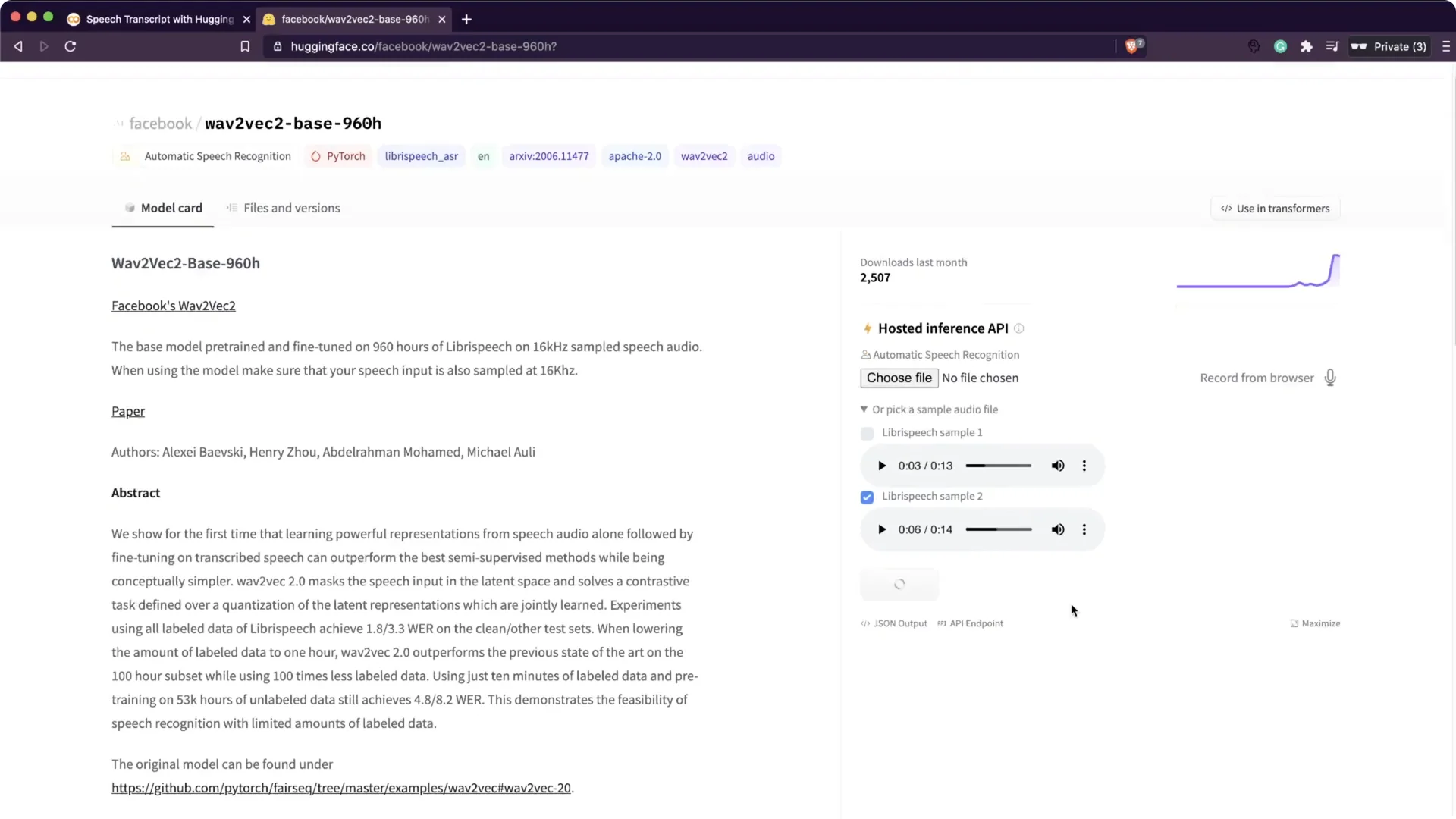
You can run this in Google Colab or on your own machine without a GPU. It was fast enough on CPU for short clips. There is also a Wav2Vec2 demo on the Hugging Face website where you can try sample audio.
Go to the model page, pick a sample audio or upload your own, and click compute to get the transcript. This uses the Hugging Face API, and you can check their site for pricing if you plan to use it commercially. For TTS to complement transcripts, you can also check Play HT.
Build apps with Hugging Face Wav2Vec2 Transcription
Because this follows the familiar Transformers API style, it is simple to build a Streamlit app around it. Put the pre-trained model in a small app, upload any audio file, and return the transcription. I did all of this on CPU and the speed was quite reasonable for short audio.
Resources
Google Colab Notebook: Open Colab.
Wav2Vec2 on Transformers: Model docs.
Final thoughts
Wav2Vec2 inside Transformers lets you go from raw audio to text in a few concise steps. Keep your audio at 16 kHz, run the tokenizer and model on CPU, and decode with the tokenizer to get clean transcripts. Clearer voices will generally transcribe better, and short demos run well even without a GPU.